Introduction
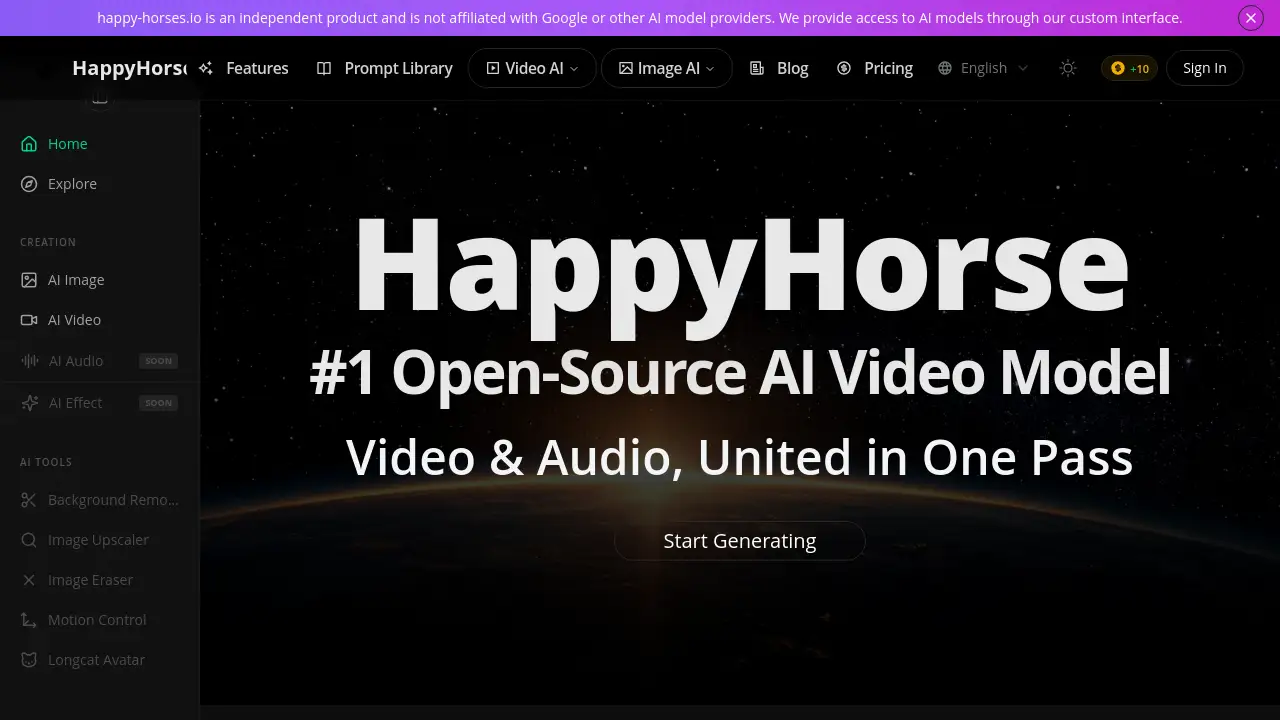
HappyHorse 1.0 is an open-source AI model for generating high-quality video and synchronized audio in one unified process.
What is happy-horses?
HappyHorse, also known as HappyHorse 1.0, is a cutting-edge open-source AI model designed for video generation. It solves a key challenge in AI video creation by jointly generating 1080p video and synchronized audio in a single pass, eliminating the need for separate post-processing steps to add sound. This makes it suitable for creators, marketers, educators, and developers who need to produce dynamic video content efficiently. Its significance lies in its top-ranked performance, speed, and open-source nature, which provides a powerful and accessible tool for high-quality AI video synthesis. The model excels at both text-to-video and image-to-video tasks, supporting a wide range of visual styles and offering native multi-language lip-sync.
Key Features of happy-horses
Unified Transformer Architecture
This model uses a single 40-layer transformer to process text, video, and audio tokens simultaneously, creating a cohesive generation pipeline without separate networks for different modalities.
Joint Audio-Video Generation
HappyHorse is the first major open-source model to achieve true end-to-end audio-video joint pre-training, producing dialogue, ambient sounds, and effects alongside the video frames from the start.
8-Step Fast Inference
Through advanced DMD-2 distillation, it reduces the denoising process to just 8 steps, dramatically increasing generation speed and making it feasible to run on single-GPU setups.
Native 1080p / 2K Output
It generates high-resolution video natively, supporting cinema-grade 2K quality, with an optional built-in super-resolution module for further upscaling.
7-Language Lip-Sync
The model natively supports lip synchronization for Mandarin, Cantonese, English, Japanese, Korean, German, and French, achieving a low word error rate for realistic speaking characters.
Text-to-Video & Image-to-Video
A unified pipeline handles both T2V and I2V tasks, allowing users to generate video from a text description or by using an uploaded image as a starting reference.
Multi-Shot Narrative
It features advanced motion synthesis with multi-shot narrative capabilities, enabling the creation of videos with complex scenes, realistic motion, and seamless transitions.
Fully Open Source
All components, including the base model, distilled version, and inference code, are released under a commercial-friendly license, allowing for customization and on-premises deployment.
Diverse Aesthetic Styles
HappyHorse supports a wide array of visual styles, from photorealistic and anime to cyberpunk and watercolor, catering to diverse creative visions.
Use Cases for happy-horses
Social Media Content Creation
Creators can quickly produce engaging short-form videos with perfect audio-video sync for platforms like TikTok, YouTube Shorts, and Instagram Reels.
Marketing and Advertisement
Marketing teams can generate prototype commercials, product demos, or animated explainer videos with synchronized voiceovers and sound effects.
Educational Video Production
Educators and e-learning developers can create instructional videos where animated characters or scenes speak clearly in multiple languages.
Indie Film Pre-Visualization
Independent filmmakers can use the multi-shot narrative feature to storyboard scenes and visualize complex shots before committing to live-action production.
Game Asset Development
Game developers can rapidly prototype in-game cutscenes, character dialogues, or environmental animations with accompanying audio.
How to Use happy-horses
- Access the Platform: Visit the official website at happy-horses.io to access the custom interface. Note that it is an independent product not affiliated with other AI providers.
- Choose Input Type: Select either the text-to-video or image-to-video mode. For T2V, enter a detailed text prompt describing your desired scene. For I2V, upload a reference image.
- Configure Settings: (If available in the interface) Specify parameters like video length, select a visual style, and choose a language for lip-sync if your scene involves speaking characters.
- Generate and Review: Initiate the generation process. The model will create the 1080p video and synchronized audio in one pass. Review the output in your generation history.
- Download or Iterate: Download the watermark-free video file in your preferred format (JPG sequences, PNG, WebP) or adjust your prompt to generate a new variation.
Target Audience for happy-horses
- Independent digital content creators and video artists
- Marketing professionals and advertising agencies
- E-learning developers and educational institutions
- Indie filmmakers and animation studios
- Game developers and game asset creators
- Developers and researchers interested in open-source AI video models
Is happy-horses Free?
HappyHorse operates on a credit-based subscription model. The service offers tiered plans, with annual billing providing significant savings. You can try the service to explore its capabilities.
| Plan | Price (Billed Annually) | Key Features & Credits |
|---|---|---|
| Basic | $7.42/month ($89/year) | 1,800 credits/year, standard speed, 30-day storage, personal use. |
| Pro (Most Popular) | $14.92/month ($179/year) | 6,000 credits/year, priority queue, batch generation, unlimited storage, commercial license. |
| Max | $37.40/month ($449/year) | 18,000 credits/year, faster speed, higher concurrency, advanced templates. |
| Ultra | $60.08/month ($721/year) | 36,000 credits/year, fastest priority, API access, team license, best for commercial workflows. |
happy-horses's Pros and Cons
| Aspect | Pros | Cons |
|---|---|---|
| Technology & Quality | Unified audio-video generation; #1 ranked performance; High 1080p / 2K output quality. | As a leading model, it may have high computational demands for local deployment. |
| Speed & Efficiency | 8-step fast inference offers significant speed advantages over many alternatives. | The fastest speeds are tied to higher-tier subscription plans. |
| Accessibility & Cost | Fully open source for self-hosting; Flexible subscription plans for cloud use. | Not a permanently free service; costs scale with usage volume. |
| Features & Flexibility | Excellent multi-language lip-sync; Supports both T2V and I2V; Diverse aesthetic styles. | The interface and advanced features may have a learning curve for absolute beginners. |
Frequently Asked Questions about happy-horses
What makes HappyHorse different from other AI video models?
HappyHorse's key differentiator is its unified transformer architecture that jointly generates audio and video in one pass. Unlike models that add sound later, it produces synchronized dialogue and effects from the start, which contributes to its top-ranked performance in benchmarks.
Do I need a powerful computer to use HappyHorse?
For using the official happy-horses.io web interface, no powerful local computer is needed as generation happens on their servers. However, if you download the fully open source model to run locally, you will require a capable GPU with sufficient VRAM for optimal performance.
What languages does the lip-sync feature support?
The 7-language lip-sync natively supports Mandarin, Cantonese, English, Japanese, Korean, German, and French. It achieves a notably low word error rate, making character speech appear more natural and accurate.
Can I use videos created with HappyHorse for commercial purposes?
Yes, commercial use is permitted. The Pro, Max, and Ultra subscription plans all include a commercial use license, allowing you to use the generated videos in client projects, advertisements, or for sale. The Basic plan is for personal use only.
What is the "8-step fast inference"?
This refers to a major technical achievement where the model uses a distilled version (DMD-2) that requires only 8 denoising steps to create a video, instead of the dozens typically needed. This 8-step fast inference drastically reduces generation time.
Can HappyHorse create videos from images?
Yes. HappyHorse has a unified pipeline that handles both text-to-video and image-to-video tasks. You can upload an image as a starting point, and the model will animate it according to your text prompt, enabling powerful storytelling and transformation.
happy-horses Tags
HappyHorse, AI video generator, text-to-video, image-to-video, open-source AI, audio-video sync, lip-sync AI, 1080p video generation, fast inference, multi-shot narrative, AI video model, video synthesis, AI content creation