Introduction
HappyHorse is an AI video generator for creating polished short videos from text and images.
What is happyhorse?
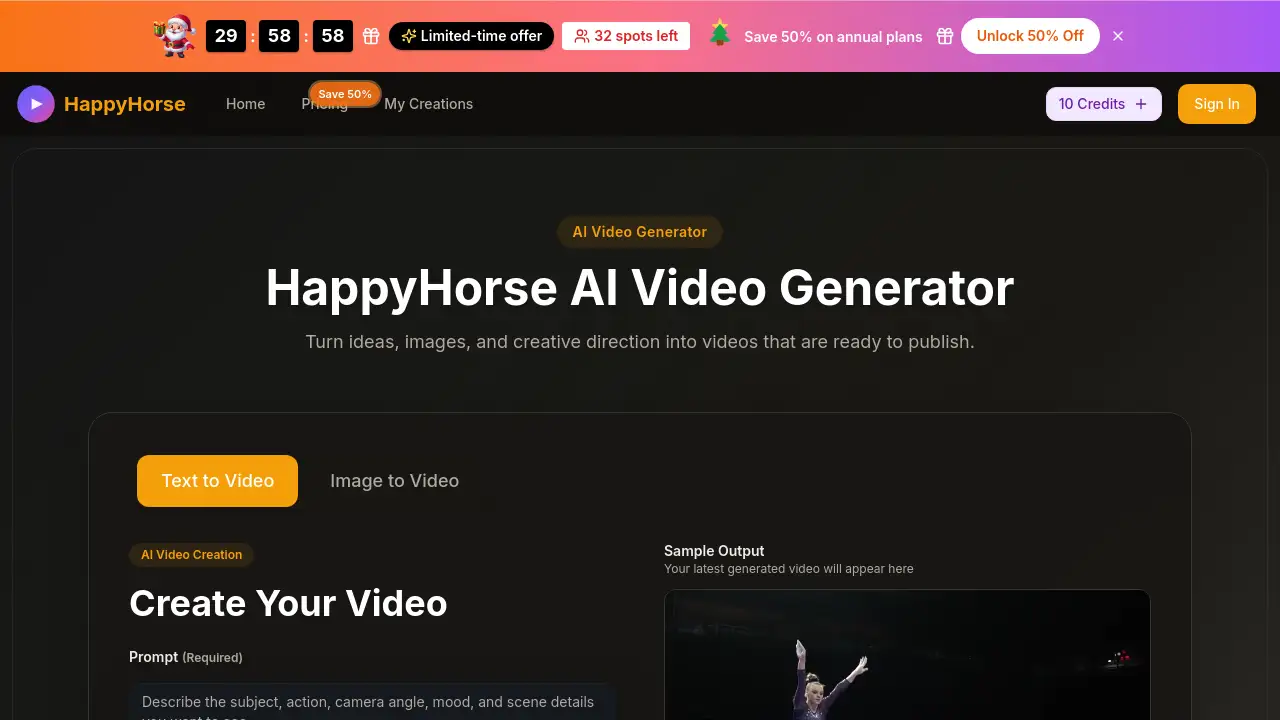
HappyHorse is a specialized AI video generator designed to streamline video creation for marketing, social media, and content production. It solves the problem of time-consuming and resource-heavy video production by allowing users to turn simple text prompts or upload reference images directly into finished, usable video clips. This tool is suitable for content creators, digital marketers, small business owners, and social media managers who need to produce high volumes of visual content quickly. Its importance lies in its ability to bridge the gap between a creative idea and a publishable asset, dramatically speeding up the content creation pipeline. By offering both text to video and image to video workflows, HappyHorse provides flexibility whether starting from scratch or animating existing visuals.
Key Features of happyhorse
Dual Input Workflows
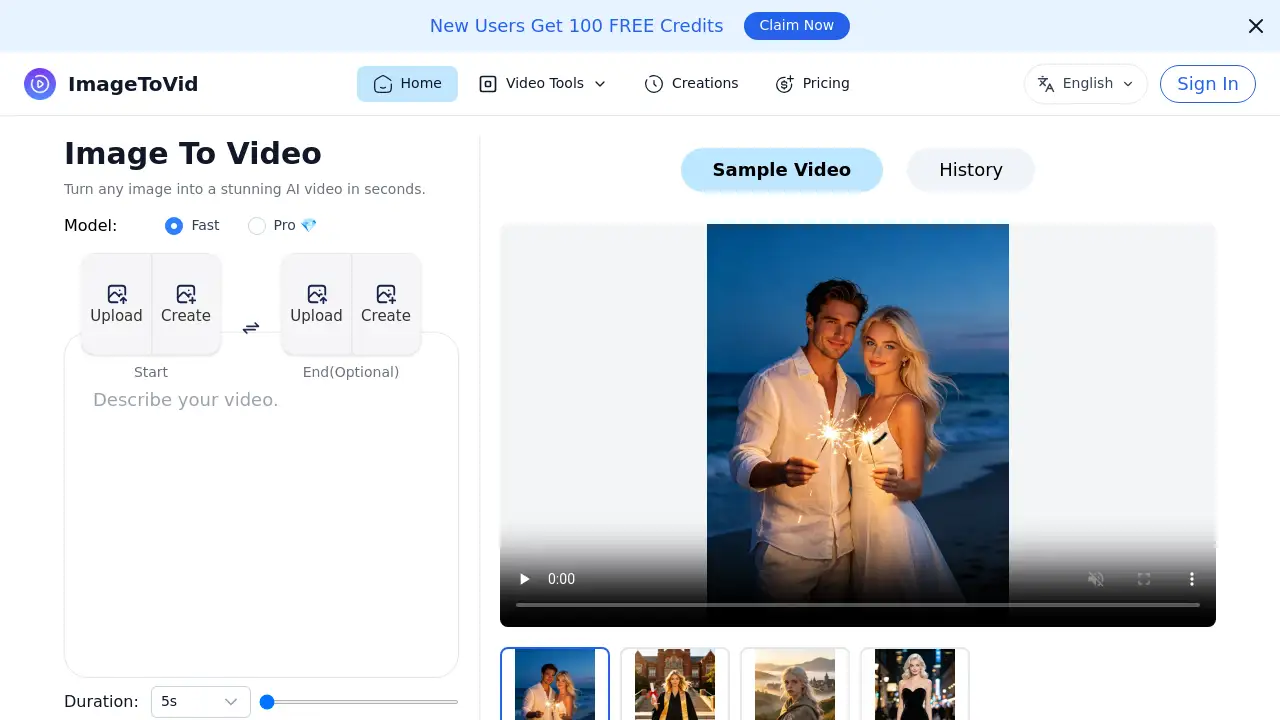
The platform supports both text to video generation for exploring new ideas and image to video animation for bringing existing photos or artwork to life with motion.
Creative Control Settings
Users can guide the AI's output by adjusting camera movement, pacing, framing, aspect ratio, and video quality, offering direction without technical complexity.
Fast Iteration and Rendering
The workflow is built for speed, enabling creators to generate, review, and iterate on multiple video concepts in minutes to find the perfect result for their campaign.
Commercial-Use Output
Generated videos come with a commercial use license, making them safe and ready for use in ads, product demos, social clips, and other professional content.
Clean Motion and Consistency
HappyHorse is engineered to produce clips with stronger motion logic and scene consistency, resulting in more polished and usable AI videos for real publishing work.
Use Cases for happyhorse
Social Media Content Creation
Quickly produce engaging short-form video clips for platforms like Instagram Reels, TikTok, and YouTube Shorts to maintain a consistent content calendar.
Product Marketing and Launches
Generate eye-catching product demonstration videos, promotional clips, and visual assets for new product launches or advertising campaigns.
Brand Storytelling and Concepts
Develop visual concepts and branded narrative clips to communicate a company's story or values without a full-scale video production.
Rapid Creative Prototyping
Test different visual directions, moods, and styles for a project rapidly before committing to a final, more expensive production.
How to Use happyhorse
Using HappyHorse involves a straightforward three-step process accessible directly from a web browser.
- Describe or Upload: Start by typing a detailed text prompt describing the desired scene, subject, action, and mood. Alternatively, upload a reference image if you have a specific visual starting point.
- Guide the Style: Use the platform's controls to shape the final output. Select the aspect ratio, video quality, duration, and add creative direction for camera movement and pacing.
- Generate and Download: Click to generate the AI video. Review the rendered clip, and if needed, adjust the prompt or settings to iterate. Once satisfied, download the final video for use.
Target Audience for happyhorse
- Digital Marketers and Advertisers needing fast, scalable video assets for campaigns.
- Content Creators and Social Media Managers looking to produce regular, high-quality video posts.
- Small Business Owners and Entrepreneurs creating product demos and promotional content on a budget.
- Designers and Creative Teams prototyping visual concepts or animating static assets quickly.
Is happyhorse Free?
HappyHorse offers a tiered subscription model with annual billing for significant savings. A free trial with credits is available to start.
| Plan | Price (Annual Billing) | Key Features |
|---|---|---|
| Basic | $9.9/month | 800 credits/month, text & image to video, commercial license, basic controls. |
| Pro (Most Popular) | $19.9/month | 2000 credits/month, all Basic features with higher generation capacity. |
| Enterprise | $49.9/month | 6000 credits/month, features for high-volume team production. |
happyhorse's Pros and Cons
| Aspect | Pros | Cons |
|---|---|---|
| Workflow | Fast, intuitive process from idea to video; excellent for rapid iteration. | Advanced creative control may be limited compared to professional editing software. |
| Output Quality | Produces clean, consistent motion suitable for professional social and ad content. | Output is best for short clips; not designed for long-form, narrative video. |
| Pricing | Transparent, tiered plans; good value for teams with regular video needs. | Can become expensive for individual users with very high monthly video volumes. |
| Accessibility | Browser-based, no app installation required; easy for beginners to start. | Requires a stable internet connection for generation and rendering. |
Frequently Asked Questions about happyhorse
What is the difference between Happy Horse 1.0 and 2.0?
Happy Horse 2.0 refers to the updated AI model and workflow, which focuses on delivering better motion quality, more accurate prompt handling, and an overall smoother user experience compared to the earlier 1.0 version.
Can I use HappyHorse for commercial projects?
Yes. All videos generated on paid HappyHorse plans include a commercial use license, allowing them to be used in client work, advertisements, and other monetized content.
What kind of videos can I create with this AI video generator?
HappyHorse is best suited for creating short videos like social media clips, product advertisements, promotional demos, visual concept tests, and branded storytelling content.
How long does it take to generate a video?
Generation time is typically short, but it depends on factors like server queue load, selected video duration, quality settings, and the complexity of the prompt.
Do I need to download any software to use HappyHorse?
No. HappyHorse is a web-based application that runs directly in your browser on both desktop and mobile devices, requiring no software downloads or installations.
How does the image to video feature work?
You can upload a still image (like a product photo or illustration), and HappyHorse will animate it based on your additional motion and style directions, keeping the original composition as a reference point.
happyhorse Tags
AI video generator, text to video, image to video, video creation, AI video maker, social media video, marketing video, product demo video, content creation tool, prompt-based video, HappyHorse AI, animated video maker