Introduction
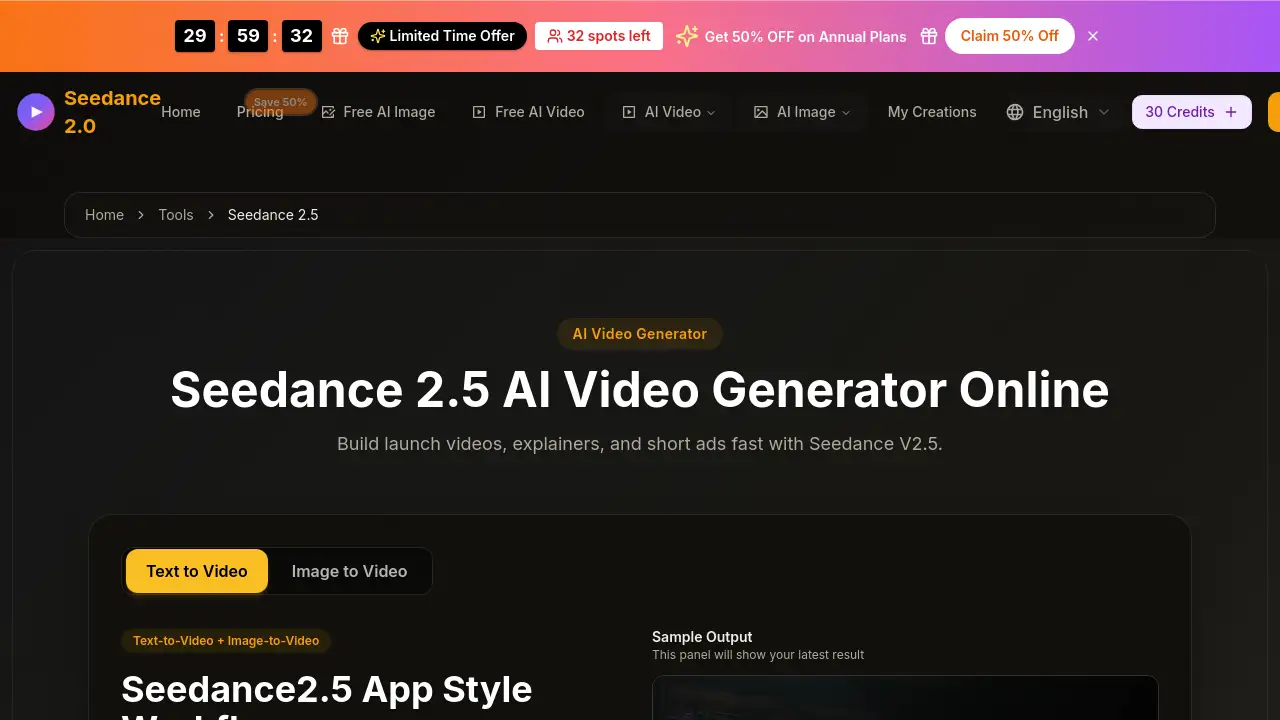
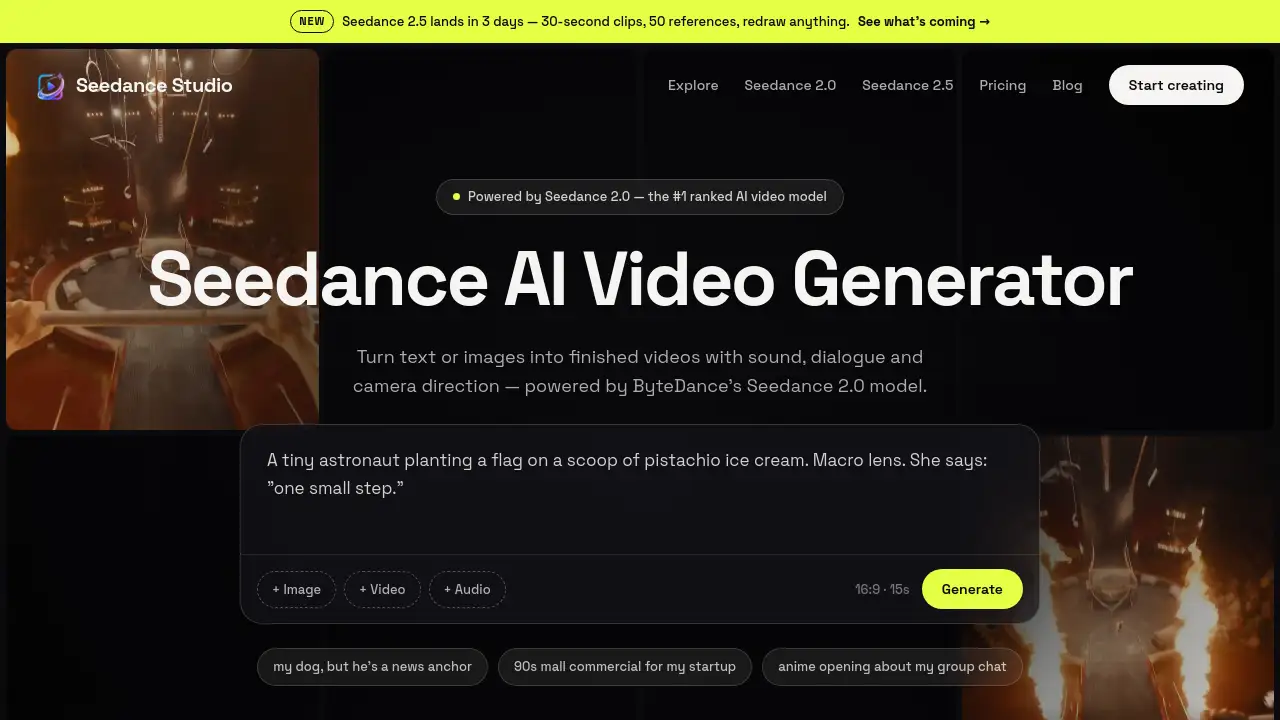
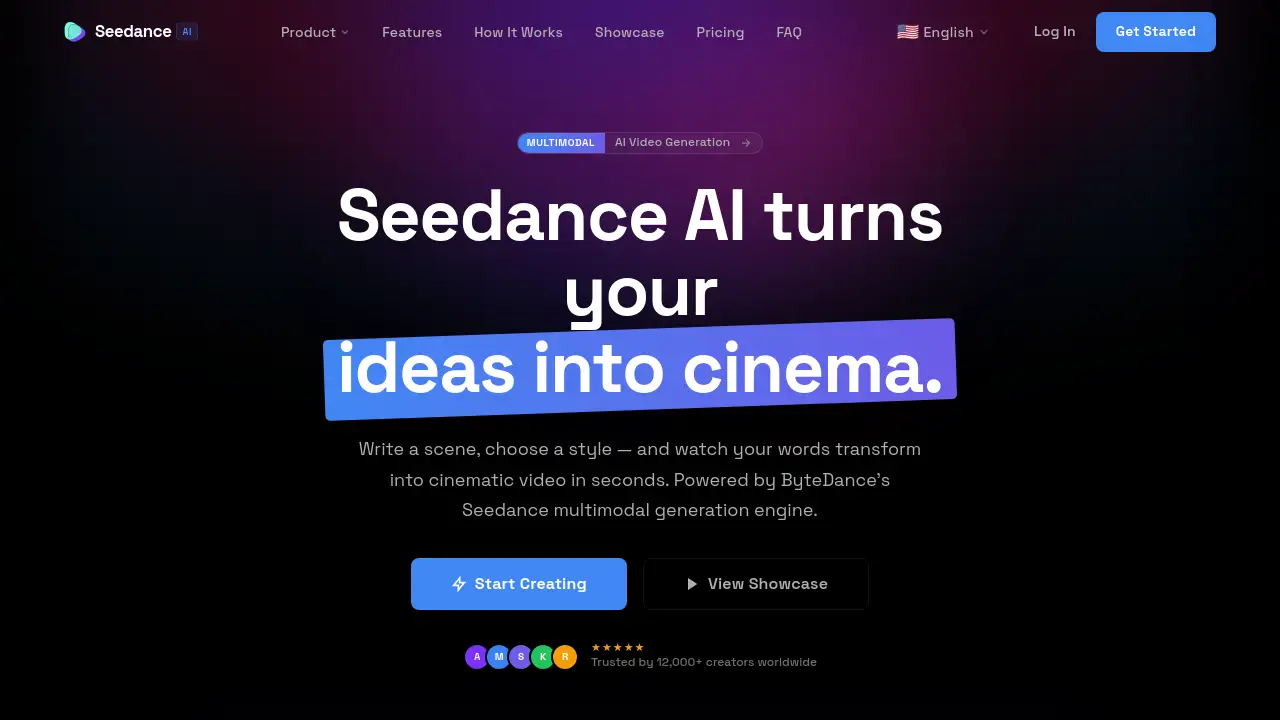
Seedance AI is a powerful text-to-video generator that creates cinematic clips instantly.
What is Seedance Ai?
Seedance AI is an official platform for ByteDance’s advanced multimodal AI video generation model. It transforms ideas into high-quality video content by allowing users to input text prompts, images, or existing video clips. This tool solves the problem of complex and expensive video production, making professional-grade cinematic creation accessible to a wider audience. It is suitable for content creators, marketers, filmmakers, and anyone looking to produce compelling visual stories quickly. The significance of Seedance AI lies in its ability to generate native 1080p video with synchronized audio in a single, streamlined process, powered by a sophisticated AI video engine.
Key Features of Seedance Ai
Multimodal AI Video Generation
The platform’s core strength is its ability to generate video from multiple input types—text, images, and video clips—in a unified workflow, providing unmatched creative flexibility.
Unified Audio-Video Generation
It produces synchronized audio and video natively in one pass, ensuring dialogue, sound effects, and music are perfectly aligned with the visual action.
Native 1080p Fidelity
Videos are generated at native 1080p HD resolution, delivering cinematic clarity and sharp details without the artifacts common in upscaled content.
Physics-Aware Motion Synthesis
The AI model generates motion that respects physical laws, from subtle facial expressions to complex camera movements, resulting in remarkably natural-looking video.
Director-Level Camera Control
Users can specify precise camera movements like pans, tilts, zooms, and rolls, enabling complex cinematography directly from a prompt.
Character & Story Continuity
The AI maintains consistent character identity, wardrobe, and environments across multiple shots, making it possible to create coherent, long-form narrative projects.
Multi-Reference Input System
For precise control, users can guide generation with up to 9 reference images and 3 video clips, allowing for highly specific and detailed outputs.
Limitless Aesthetic Range
The model can adapt to any visual style, from hyperrealistic cinema and anime to cyberpunk, without losing temporal coherence or motion quality.
Use Cases for Seedance Ai
Social Media Content Creation
Quickly produce eye-catching, high-quality video clips for platforms like TikTok, Instagram Reels, and YouTube Shorts to boost engagement.
Marketing and Advertisement Production
Generate professional product demos, explainer videos, and promotional content for campaigns without the need for a full film crew.
Pre-Visualization and Storyboarding
Filmmakers and directors can use the tool to visualize scenes, experiment with camera angles, and create dynamic storyboards before live shooting.
Educational and Explainer Videos
Educators and trainers can create engaging instructional content by simply describing complex concepts, which the AI transforms into clear visual narratives.
Creative Experimentation and Art
Artists and hobbyists can explore visual ideas, animate concepts, and produce unique AI-generated art videos for personal projects or exhibitions.
How to Use Seedance Ai
- Sign Up and Access: Visit the Seedance AI website, create an account, and access the web-based video generator workspace.
- Input Your Creative Direction: Compose a detailed text prompt describing your scene. Alternatively, upload reference images or a video clip to guide the AI video generation.
- Configure Settings: Choose your desired aspect ratio (e.g., 16:9 for widescreen, 9:16 for vertical), video duration, and select the AI model. Enable options like AI-generated audio or advanced camera controls if needed.
- Generate and Refine: Click the generate button. The Seedance AI model will create your 1080p video with synchronized audio. You can then review the output and refine your prompt for further iterations.
- Download and Export: Once satisfied, download your finished cinematic video in MP4 format for immediate use in your projects.
Target Audience for Seedance Ai
- Content Creators and Social Media Influencers
- Digital Marketers and Advertising Agencies
- Independent Filmmakers and Video Producers
- Game Developers and Animators
- Educators and Corporate Trainers
- Hobbyists and Digital Art Enthusiasts
Is Seedance Ai Free?
Seedance AI operates on a subscription-based model. You can start creating by signing up on their website. The platform offers tiered plans with different credit allocations for generating videos.
| Plan | Price (Billed Annually) | Key Features |
|---|---|---|
| Starter | $9.99/month ($119.88/year) | 60,000 credits/year, All AI models, 1080p output, Standard queue. |
| Pro | $19.99/month ($239.88/year) | 120,000 credits/year, Priority queue, 4K output via Veo 3.1, Multi-reference input, AI audio, Advanced camera control. |
| Studio | $39.99/month ($479.88/year) | 240,000 credits/year, Fastest rendering, Dedicated support, Full commercial license, Web-enhanced generation. |
Seedance Ai's Pros and Cons
| Aspect | Pros | Cons |
|---|---|---|
| Output Quality | Native 1080p generation ensures high fidelity and cinematic detail. | The highest 4K resolution is only available on higher-tier plans. |
| Technology | Advanced multimodal engine with native audio sync and physics-aware motion. | As a cutting-edge tool, it may have a learning curve for mastering optimal prompts. |
| Usability | Web-based platform with no installation required; accessible from any device. | Generation is credit-based, which may limit high-volume users on lower-tier plans. |
| Control | Offers director-level camera controls and multi-reference input for precise creative direction. | Advanced features like full camera control are gated behind the Pro and Studio plans. |
Frequently Asked Questions about Seedance Ai
What kind of videos can Seedance AI create?
Seedance AI can create a wide range of cinematic videos, from realistic scenes and animated styles to abstract art. It is designed for narratives, marketing clips, social media content, and artistic projects, generating synchronized audio and video from text, images, or video prompts.
Do I need to download software to use Seedance AI?
No. The Seedance AI video generator is a fully responsive web application that runs directly in your browser on desktop, tablet, or mobile devices, requiring no downloads or installations.
What is the resolution of the generated videos?
The platform generates videos at native 1080p Full HD resolution by default, ensuring broadcast-quality output. Higher-tier subscriptions offer access to 4K Ultra HD generation through integrated models like Veo 3.1.
Can I use Seedance AI videos for commercial purposes?
Yes. Premium subscription plans, particularly the Studio tier, include a full commercial license. This grants you the rights to use the AI-generated videos in professional campaigns, advertisements, and other commercial content.
How does the credit system work?
Seedance AI uses a credit-based system. Each plan includes a monthly or yearly credit allocation. Generating a video consumes credits based on factors like duration, resolution, and the AI model used. Your credits refresh at the start of each billing cycle.
How long does it take to generate a video?
Generation time is typically very fast, often completing within seconds for standard clips. The speed can vary based on video duration and complexity, with higher-tier plans offering priority or fastest rendering queues.
Seedance Ai Tags
Seedance AI, AI video generator, text to video, multimodal AI, cinematic video creator, ByteDance AI, 1080p video generation, video from text, AI video maker, content creation tool, AI video engine, video production AI