Introduction
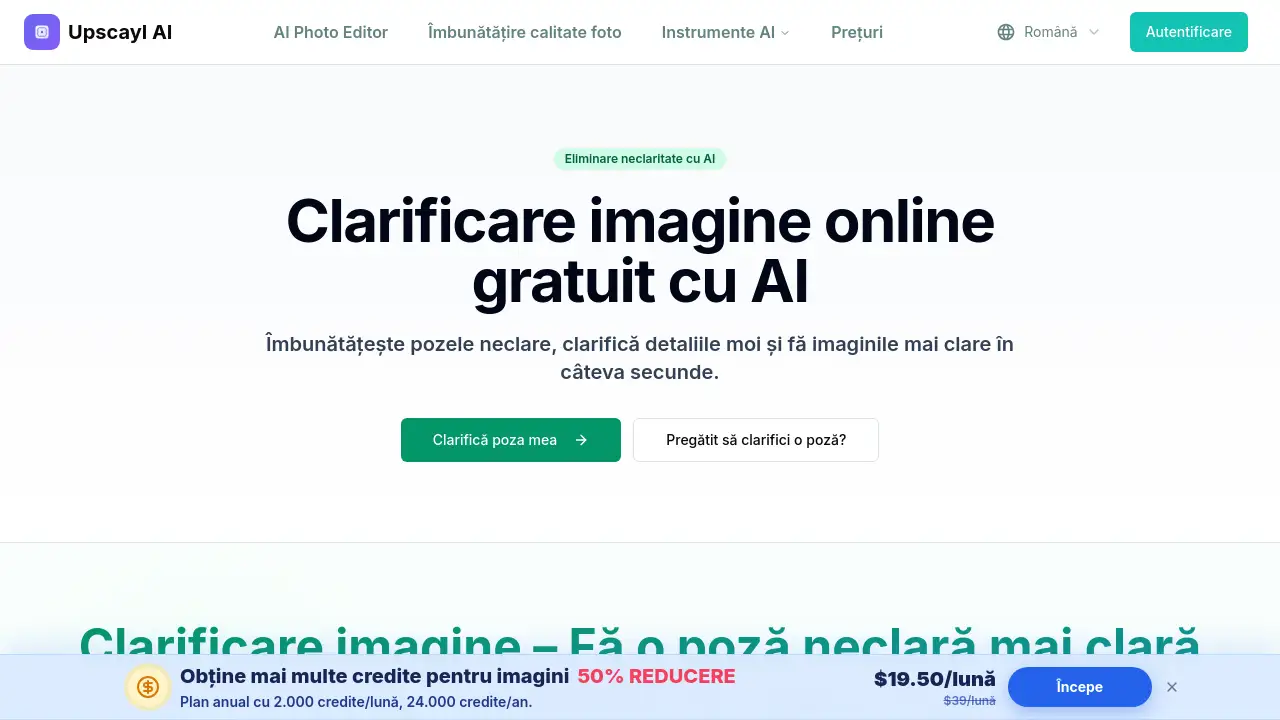
unblur image is an AI online tool for fixing blurry photos and making image details clearer.
What is unblur image?
unblur image is a web-based AI image sharpener. It helps users clarify blurry photos online, restore soft details, and make images look crisper. The tool runs directly in a browser, so no software installation is needed. Whether the problem is mild blur, soft focus, or compression loss, unblur image checks edges and applies local clarity improvements in a single pass.
This makes it a practical online photo clearer for portraits, screenshots, product images, older digital pictures, and scanned prints. People who need to unblur photos online can do it without leaving the browser. Users can test the tool with sample images and preview the result before downloading.
Key Features of unblur image
AI Edge Analysis
unblur image uses AI to detect blurry edges and lost sharpness. It helps clarify blurry photos with soft edges, mild blur, or compression artifacts, without requiring manual sharpness settings.
Face Enhancement
The unblur image tool includes face enhancement for portraits, group photos, and selfies. Eyes, hair, and facial contours become more defined while the result keeps a natural look.
Text and Screenshot Clarity
unblur image can make text and screenshots easier to read. It reduces softness around characters and interface elements, so scanned pages, documents, and screen captures appear cleaner.
Batch Upload
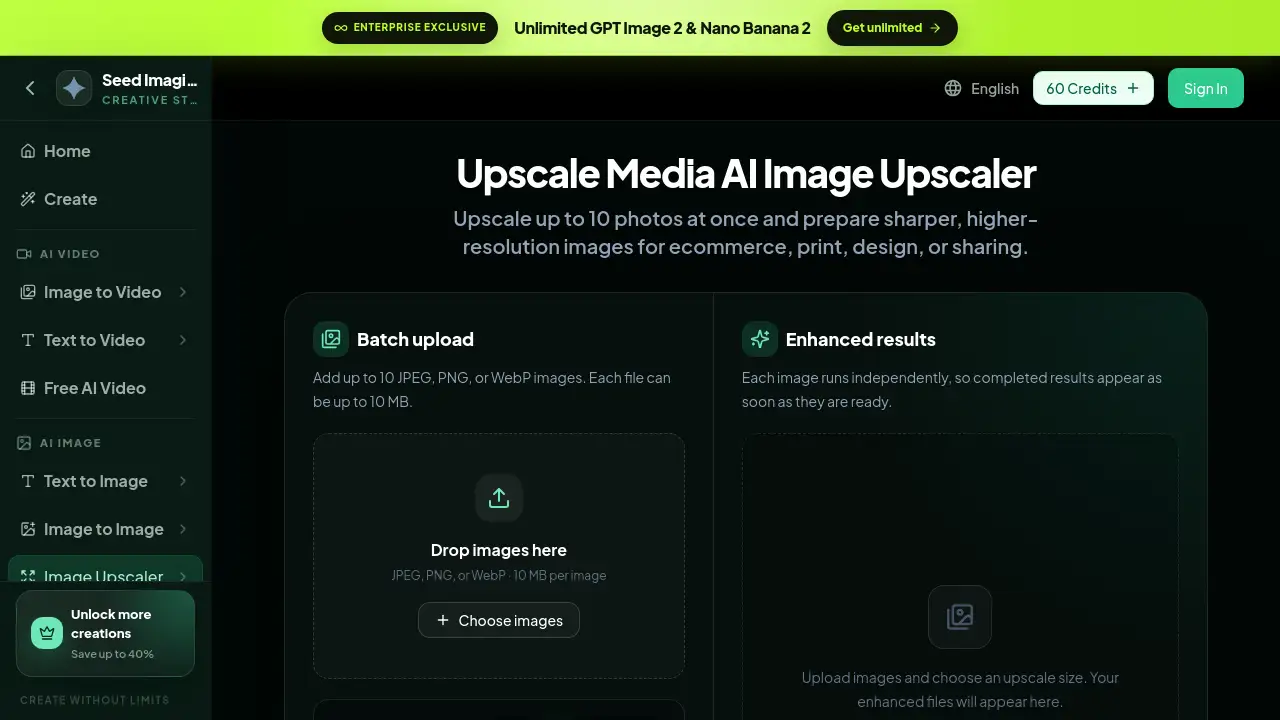
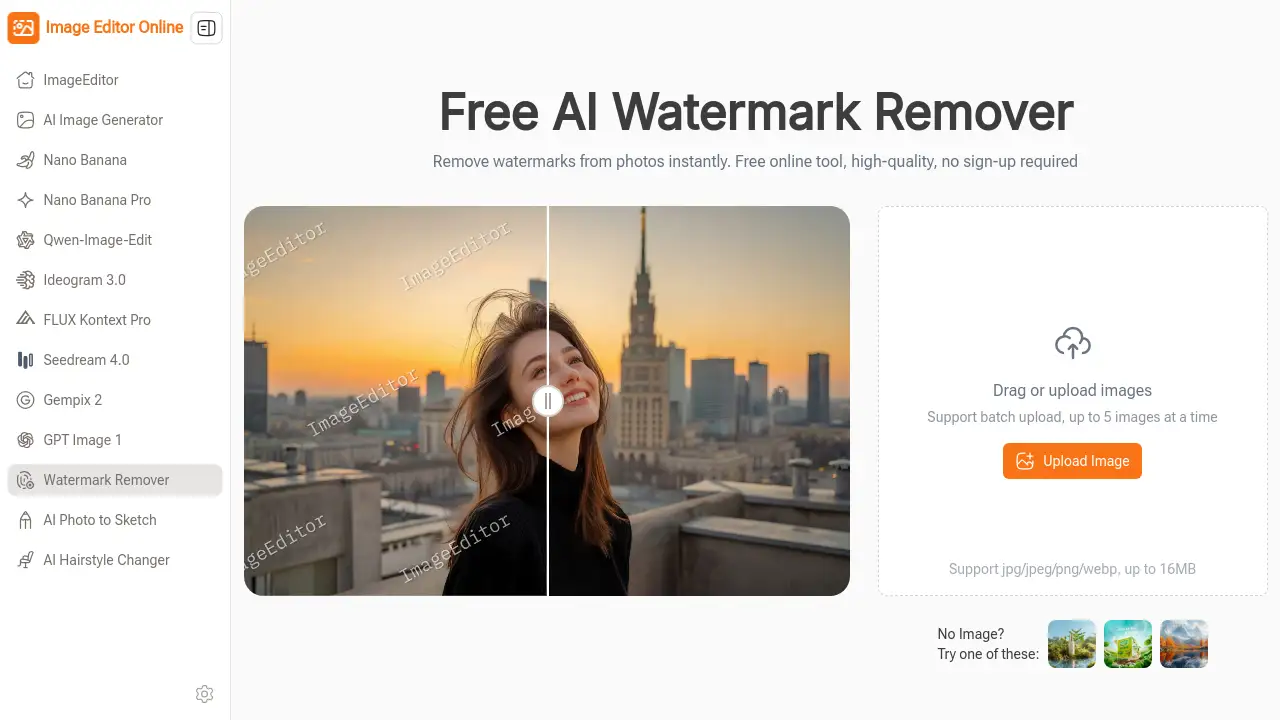
Users can add up to five images at once. unblur image accepts JPG, PNG, WebP, and ZIP files up to 20MB each. This batch option makes it easy to deblur image online without opening multiple tabs.
Resolution Scaling
The tool offers 1x, 2x, 4x, 6x, and 8x scaling options. unblur image lets users enlarge and sharpen a small photo at the same time, turning a blurry image into a clearer, larger file.
Browser-Based Processing
Everything happens in a modern browser. From upload to preview and download, unblur image provides a simple online photo clearer experience for desktop and mobile users.
Use Cases for unblur image
Reviving Old Photos
unblur image can improve clarity in scanned prints and older digital photos. It reduces softness and compression artifacts without promising to recreate details that were never captured.
Sharpening Product Images
Online sellers can use unblur image to clean up soft product photos for store listings, catalogs, and social media. When users need to clarify blurry photos for product listings, this tool helps edges look cleaner and small details become easier to see.
Fixing Portraits and Group Photos
The face enhancement feature in unblur image helps make blurry portraits clearer. Family pictures, event photos, and group shots gain more definition around eyes, hair, and facial outlines.
Cleaning Up Screenshots and Documents
Users can clarify blurry screenshots and archived pages with unblur image. Text becomes more readable, and small interface elements look less smudged.
How to Use unblur image
- Open the unblur image page in a modern browser.
- Upload a JPG, PNG, WebP, or ZIP file. You can drag and drop or click to choose up to five images.
- Adjust options such as image type, resolution scale, face enhancement, and output format.
- Let the AI process the image and reduce blur.
- Preview the result, compare it with the original, and download the clearer image.
The whole process is designed to be fast. Users can see a preview before saving, which helps avoid downloading a result that does not match their needs.
Target Audience for unblur image
- Photographers who need a quick AI image sharpener
- E-commerce sellers with blurry product photos
- Social media users who want to unblur photos online
- Students and professionals who scan documents or read old files
- Anyone who has old, compressed, or soft-focus images
Is unblur image Free?
New accounts receive trial credits so users can test the unblur image tool. Processing an image uses credits according to the current account rules shown in the app. Exact pricing for paid plans is not listed in the reference content, so visitors should check the official pricing page for updated details.
| Plan | Price | Features |
|---|---|---|
| Free trial | $0 | Trial credits for new accounts, upload up to 5 images, preview and download |
| Paid plans | See official page | Additional credits and full access to unblur image features |
unblur image's Pros and Cons
| Aspect | Pros | Cons |
|---|---|---|
| Pricing | New users get trial credits | Paid plan details not listed in reference content |
| Features | AI deblurring, face enhancement, batch upload, upscaling options | Severe motion blur or completely blurred images may not be fully fixed |
| Ease of Use | Browser-based, no installation needed | Account and internet connection are required |
| Output Quality | JPG, PNG, WebP support; up to 8x scaling | Final result depends on original image quality |
Frequently Asked Questions about unblur image
Can unblur image fix any blurry photo?
No tool can guarantee perfect results for every image. unblur image is designed to clarify blurry photos with mild to moderate blur, soft focus, and compression loss. Severe motion blur or images that are completely out of focus may remain unclear.
Is an account required to use unblur image?
Yes. An account is needed to process images and download results. The account also stores generated images and remaining credits.
What image formats does unblur image support?
Users can upload JPG, JPEG, PNG, WebP, and ZIP files up to 20MB each. The available output format is shown next to the generated result.
Can unblur image make text and screenshots clearer?
Yes. The tool reduces softness around text and interface elements, which makes screenshots and scanned pages easier to read. Very small or heavily blurred characters may still stay illegible.
Can I use unblur image on a phone?
Yes. The page works in modern mobile browsers, including Safari and Chrome on iOS and Android. Users can unblur photos online from a mobile device and download the completed image directly.
Does unblur image offer free credit?
New accounts receive trial credits to test the service. Processing uses credits according to the account rules displayed in the app.
unblur image Tags
unblur image, AI image sharpener, clarify blurry photos, unblur photos online, online photo clearer, deblur image online, AI photo enhancer, sharpen blurry image, fix blurry photos, enhance old photos, image clarity tool, face enhancement AI