Introduction
Upscale image for printing with a print-size calculator.
What is upscale image for printing?
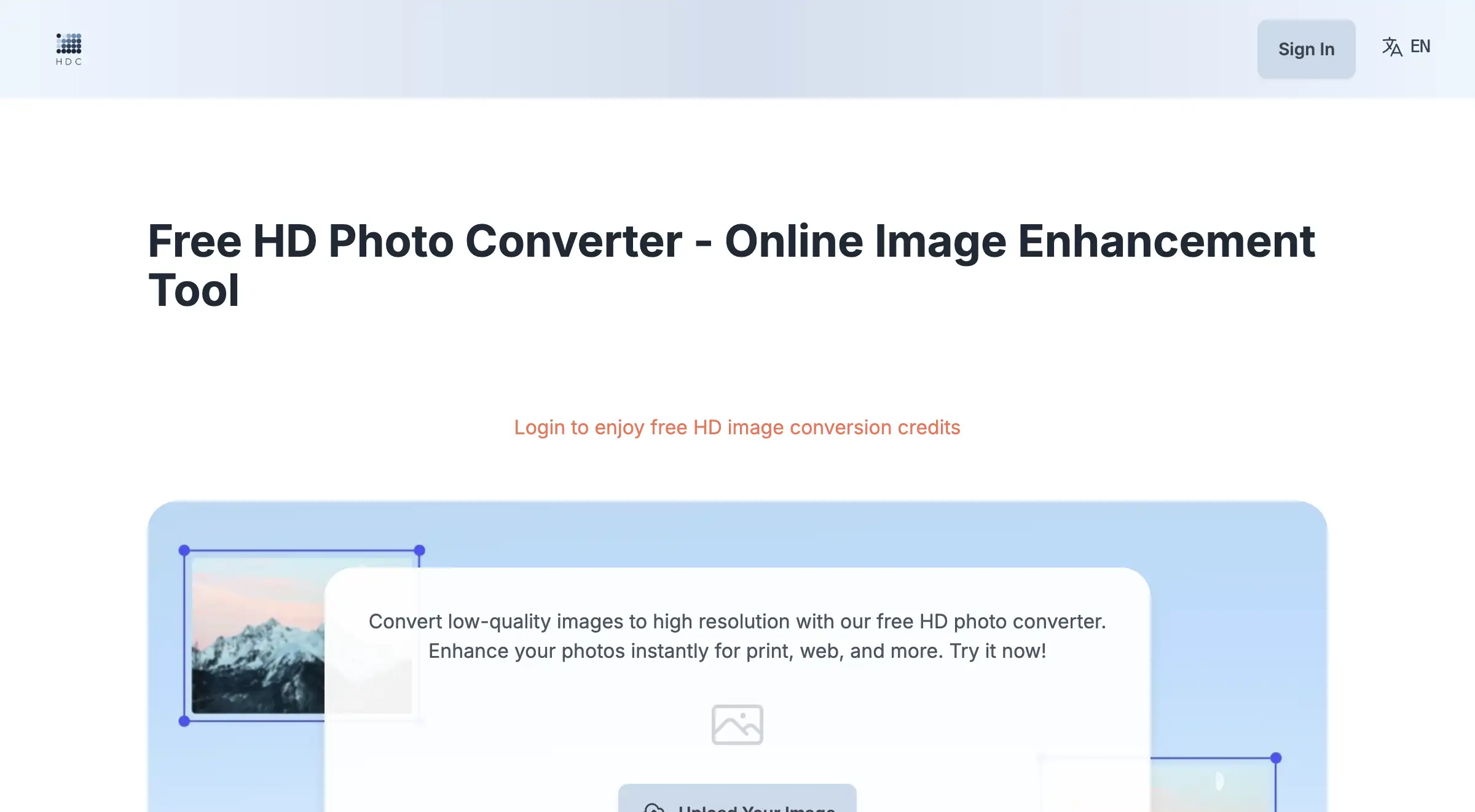
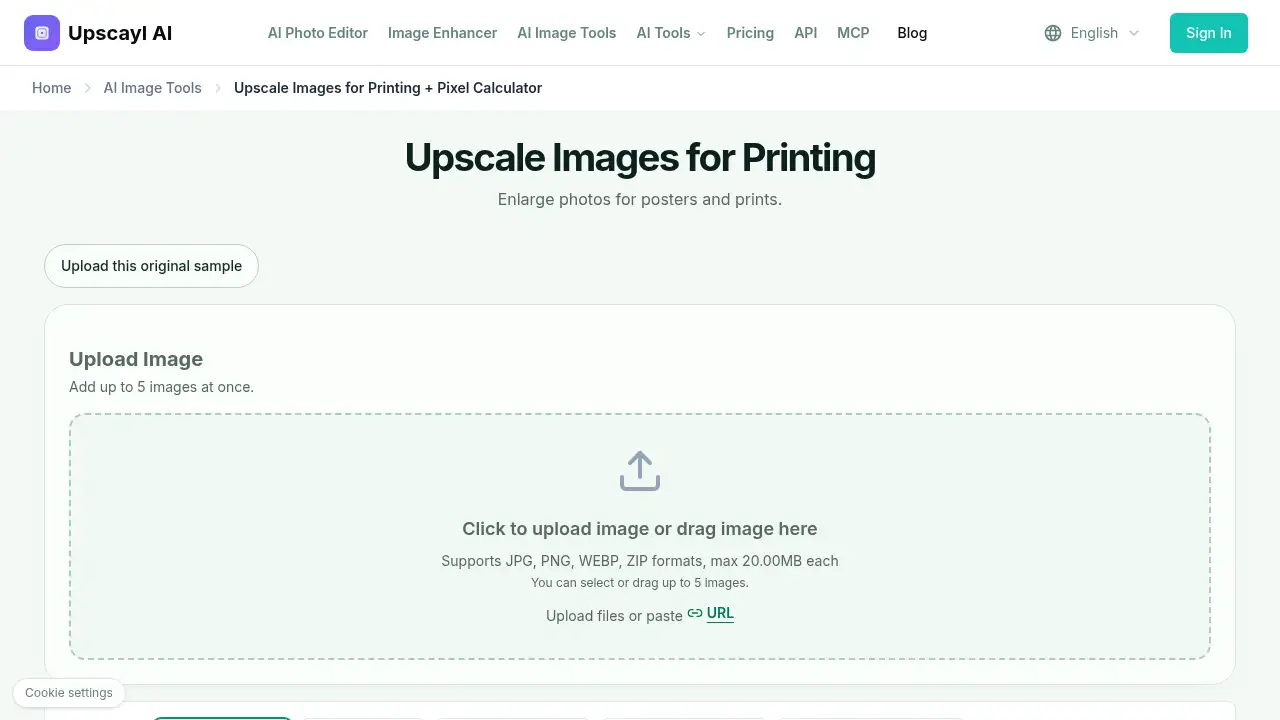
It is an online photo upscaling workspace and print-size calculator for preparing images for physical output. The tool helps users find the pixel target an image needs for a chosen print size and PPI, then choose an available enlargement factor. This solves a common print problem: a digital photo may look fine on screen but lack enough pixels for a poster, framed wall art, or large paper print. The page is designed for photographers, artists, designers, home decor shoppers, and print sellers who need practical image resolution for printing. It is useful because it connects three steps that are often handled separately: print size planning, pixel checking, and photo upscaling for print. The reference content notes that display mockups are illustrative and are not physical print proofs. Results vary with the source photo and settings.
Key Features of upscale image for printing
Print-Size Calculator and Pixel Targets
Use the print-size calculator to enter finished width, height, and PPI, then see the target pixel dimensions. It supports inches and centimeters, while noting that 300 PPI is a starting example, not a requirement for every print.
AI Upscaling with Multiple Factors
Upload an image and choose 1×, 2×, 4×, 6×, or 8× enlargement. The workspace includes Face Enhance and Output Format options, and a reference example uses Real-ESRGAN at 2× with face enhancement off.
Image Check Before Enlargement
Compare the uploaded photo’s source pixels with the print target before enlarging. This image check helps users judge whether the original already has enough pixels for printing or needs a larger scale.
Batch Upload and Common File Support
Add up to five images at once in JPG, PNG, WEBP, or ZIP formats, with a maximum of 20 MB each. This makes it easier to prepare several photo enlargement for printing jobs in one session.
Poster and Wall Art Planning
Plan framed wall art, unframed posters, and paper prints by finished dimensions. The tool helps users enlarge photos for posters, while the print lab still handles paper, ink, and physical output.
Use Cases for upscale image for printing
Poster Printing from Digital Files
Use the print size calculator to plan poster printing from a digital photo or artwork file. Check the required print pixel dimensions before choosing an enlargement.
Framed Wall Art and Gallery Prints
Prepare a landscape or portrait image for framed wall art by setting the frame size and display area. Leave room for borders if the whole image should remain visible.
Large Photo Prints for Gifts
Create larger photo prints for gifts, home display, or personal projects. A quick image check shows whether the source file has enough resolution or needs upscaling first.
Print Lab File Preparation
Print labs and print-on-demand sellers can use the tool to estimate pixel needs before ordering or production. It supports photo upscaling for print, but final cropping, bleed, and color profiles still need separate checks.
How to Use upscale image for printing
- Set the finished print size, size unit, and the printer’s recommended PPI in the calculator. Review the target pixel dimensions it returns.
- Upload the largest original image available. Compare its source pixels with the target and choose an available upscale factor.
- Download the enlarged image and place it in the print layout. Check the final crop, borders, and aspect ratio before ordering.
- For a large or important print, make a small test print at the final scale to judge detail and color on the chosen paper.
Target Audience for upscale image for printing
- Photographers preparing larger photo prints or wall art.
- Artists and designers planning poster printing or display prints.
- Home decor shoppers enlarging personal photos for frames.
- Small businesses creating display prints, signs, or promotional posters.
- Print labs and print-on-demand sellers checking pixel targets before production.
Is upscale image for printing Free?
The reference content links to a current plans page but does not list exact prices or confirm a free tier. Users should check the official pricing page for current free, trial, or paid options: View current plans. No verified price table is available in the provided information, so pricing should be confirmed on the official site before use.
upscale image for printing's Pros and Cons
| Aspect | Pros | Cons |
|---|---|---|
| Pricing | A current plans page is linked for review | Exact prices and free-tier details are not shown in the reference content |
| Features | Includes a print-size calculator, 1×–8× upscaling, Face Enhance, and batch upload | Does not set print layout, bleed, color profile, or DPI metadata |
| File support | Accepts JPG, PNG, WEBP, and ZIP files up to 20 MB each | Large print projects may still need external editing for cropping and borders |
| Results | Lets users check source pixels against a print target before enlarging | Output quality depends on the original photo and chosen settings |
Frequently Asked Questions about upscale image for printing
How do I upscale an image for printing?
Find the largest original, calculate the pixel target for the print size and PPI, and choose an available enlargement. Download the result, verify its dimensions, and inspect the final crop before ordering.
Is 300 PPI the same as 300 DPI?
No. PPI describes image pixels per inch at a given print size, while DPI describes printer dots. Print services sometimes use DPI when discussing image resolution, so follow the exact file specification they provide.
Can I print a low-resolution photo as a large poster?
Sometimes, depending on source quality, print size, viewing distance, and the printer’s requirements. Tiny thumbnails and severe blur remain poor sources, so consider a smaller print and order a proof for important jobs.
Does the tool automatically set my print size or DPI metadata?
No. The calculator gives a pixel target, and the workspace enlarges the image using available settings. It does not set physical print layout, bleed, color profile, or DPI metadata, so complete those steps in an editor or the print lab’s order flow.
Will my whole photo fit an 8 × 10 print?
Only if the image has the same aspect ratio or borders are added. Cropping a wider or square image removes pixels and content, so check the final crop before judging its resolution.
Can I resize an image for printing in centimeters?
Yes, use Centimeters in the calculator to set a target. The tool does not export an exact centimeter size, crop the image, or change its DPI metadata, so final print setup may still need an editor or print lab workflow.
upscale image for printing Tags
upscale image for printing, photo enlargement for printing, print size calculator, pixels for printing, enlarge photos for posters, image resolution for printing, 300 PPI, poster printing, wall art printing, AI image upscaler, print pixel dimensions, photo upscaling for print