Introduction
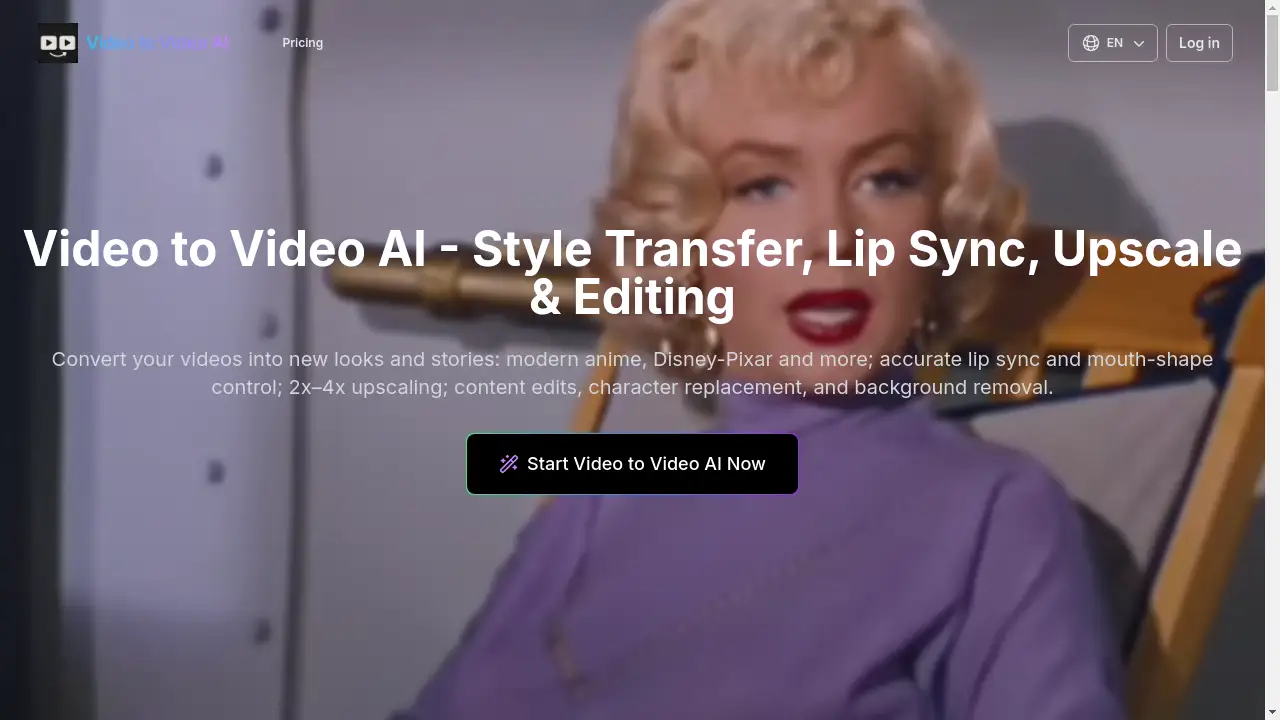
Video to Video AI is a free online tool for video transformation and editing.
What is Video to Video AI?
Video to Video AI is an online platform that utilizes artificial intelligence to transform existing video footage. It solves the problem of complex and time-consuming video editing by automating advanced processes like style transfer, lip synchronization, and quality enhancement. This product is suitable for a wide range of users, from social media creators to marketing professionals, who need to quickly and easily alter their video content without requiring extensive technical skills or expensive software. Its ability to apply high-quality transformations while preserving the original motion and identity of the subjects makes it a significant tool for modern video content creation.
Key Features of Video to Video AI
AI Style Transfer
Apply various artistic styles to your videos, such as modern anime or Disney-Pixar, to completely change their visual appearance while maintaining the original motion.
Precise Lip Sync
Achieve frame-accurate lip synchronization by changing mouth shapes to match any audio track, which is ideal for dubbing videos into different languages.
Video Upscaling
Increase the resolution of your videos with AI-powered upscaling, offering quality enhancement from 2x to 4x for a clearer final output.
Character Replacement
Edit and replace characters within a video scene using AI, allowing for creative alterations without the need for complex reshoots.
Background Removal
Instantly remove the background from your videos, enabling you to isolate subjects or place them in new environments with ease.
Content Editing
Make direct edits to the content of your video, providing a flexible tool for modifying specific elements within the footage.
Use Cases for Video to Video AI
Social Media Content Creation
Creators on platforms like TikTok, Instagram, and YouTube can use video to video AI to quickly generate engaging, stylized content and shorts for their channels.
Professional Dubbing and Localization
Production studios and marketers can achieve natural multi-language lip sync for dubbing films, advertisements, and e-learning materials.
Video Quality Enhancement
Videographers can utilize the AI upscaling feature to improve the resolution of older or lower-quality footage for a more professional look.
Creative Storytelling
Artists and filmmakers can experiment with different cinematic styles and character replacements to bring new creative visions to life.
Promotional Marketing
Businesses can create eye-catching promotional videos and ads by applying unique visual styles and making quick content edits.
How to Use Video to Video AI
Using Video to Video AI involves a straightforward four-step process:
- Upload Your Video: Navigate to the tool's generator section and upload your video file. Supported formats include MP4, MOV, and AVI. For best results, especially with lip sync, use videos with clear face visibility.
- Select Your AI Tool: Choose the specific transformation you want to apply, such as style transfer, lip sync, upscaling, background removal, or character replacement.
- Initiate AI Processing: Adjust any available settings, like output resolution, and click the "Generate" button. The AI engine will then process your video, applying the selected edits with high fidelity.
- Download the Result: Once processing is complete, you can download your newly transformed, high-quality video.
Target Audience for Video to Video AI
- Social Media Influencers and Content Creators
- Digital Marketing Professionals
- Independent Filmmakers and Video Artists
- E-learning Content Developers
- Freelance Videographers and Editors
Is Video to Video AI Free?
Video to Video AI offers a generous free plan that provides users with daily credits to try out the core features. For users requiring more extensive processing, there are affordable premium options. The paid plans, such as Basic, Standard, and Pro, offer increased credits for video-to-video generation, priority processing, and the ability to create private videos, providing good value for frequent users.
Frequently Asked Questions about Video to Video AI
What video formats are supported?
The tool supports common video formats including MP4, MOV, and AVI for upload and processing.
Is there a limit on video length for the free plan?
While specific length limits are not detailed, free usage is governed by a daily credit system, which inherently limits the amount of video that can be processed each day.
How accurate is the lip sync feature?
The lip sync feature is designed for precise, frame-accurate alignment, creating natural mouth movements that sync with the provided audio track, even with fast speech.
Can I use Video to Video AI for commercial projects?
The premium plans allow for the creation of private videos, which suggests they are suitable for commercial use. Users should review the Terms of Service for specific licensing details.
What is the maximum resolution for input videos?
For optimal AI generation speed, it is recommended that the video resolution should not exceed 1080p (1920x1080).
Does the style transfer work on the entire video?
Yes, the AI style transfer models are applied to the entire uploaded video, transforming the visual style while preserving the original motion and character identity.
Video to Video AI Tags
video to video AI, AI video editor, style transfer, lip sync AI, video upscaling, character replacement, background removal, AI video generation, free video AI, Disney-Pixar style, modern anime filter, content editing