Introduction
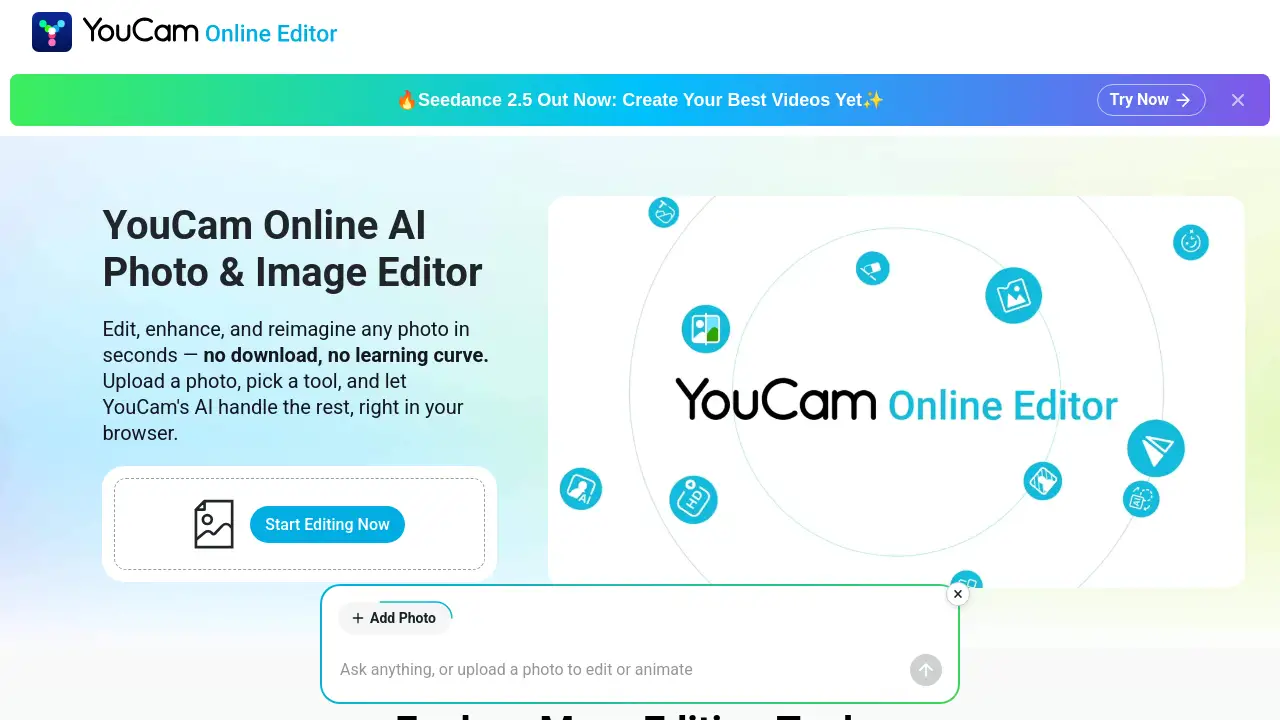
YouCam Online Editor is a browser-based AI photo editor and online photo editor for fast image and video edits. It helps users enhance photos, remove objects, and create visual content without installing heavy software.
What is YouCam Online Editor?
YouCam Online Editor is a web-based AI photo editor and AI image editor designed for simple, fast creative work. It solves the problem of needing desktop software like Photoshop for common edits. Users can upload an image, choose an AI tool, and transform it in seconds. The platform works as an online photo editor for portraits, family photos, social media posts, and video clips. It is suitable for beginners, everyday users, small business owners, and social teams. According to the product homepage, more than 800,000 creators use it, and it is rated 4.5/5 stars for AI photo and image editing online. Because it runs in a browser, it offers no download required access on Windows, Mac, Linux, tablets, and smartphones. It also provides privacy-first processing, secure workflows, and tools that chain together on one project.
Key Features of YouCam Online Editor
AI Photo Enhancer
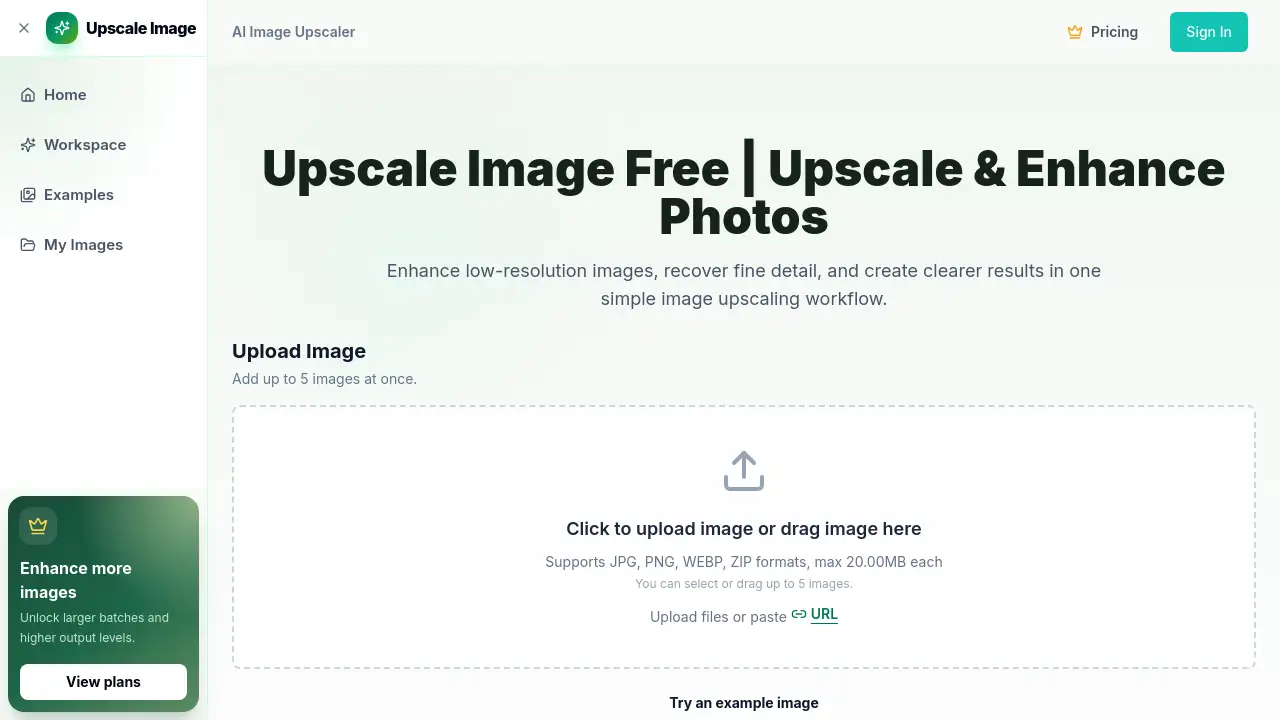
Fix blurry photos and upscale images to 4K with an AI photo editor that reconstructs fine details. It can enhance up to 50 photos at once.
AI Object Remover
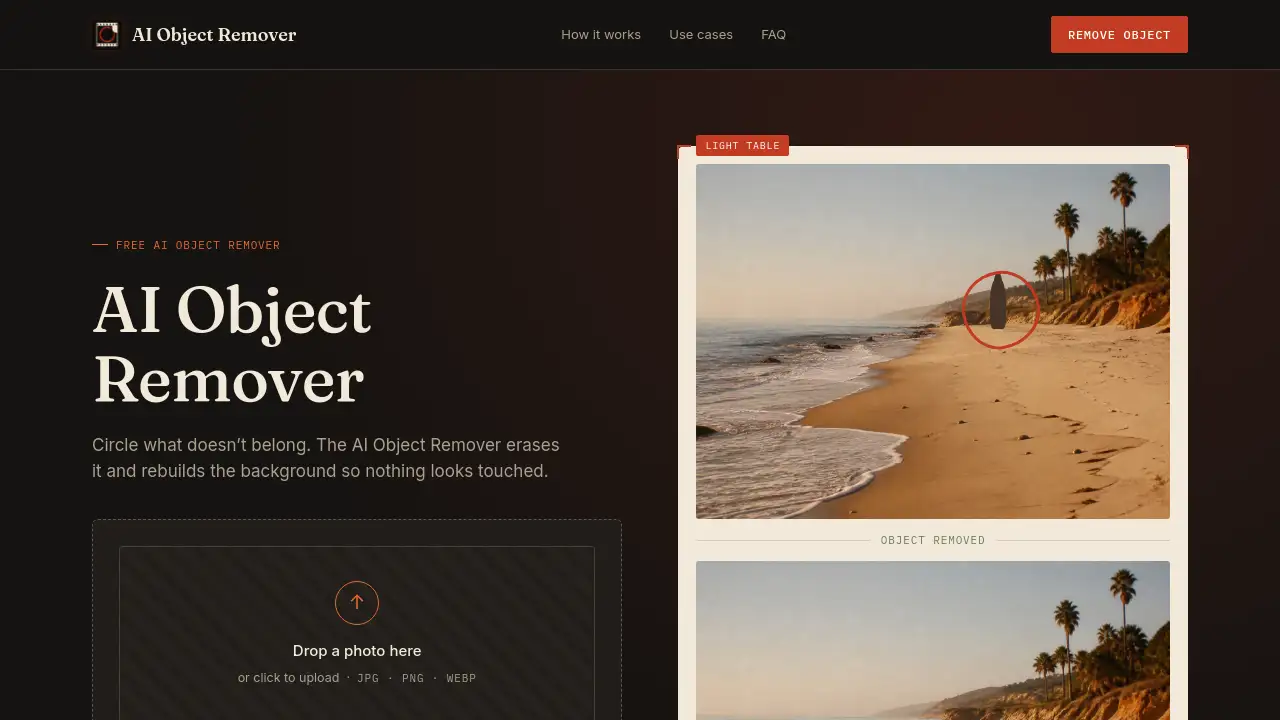
Remove objects from photos with AI by brushing over photobombers, power lines, or watermarks. The Magic Eraser fills in the background so the edit looks natural.
AI Video Generator
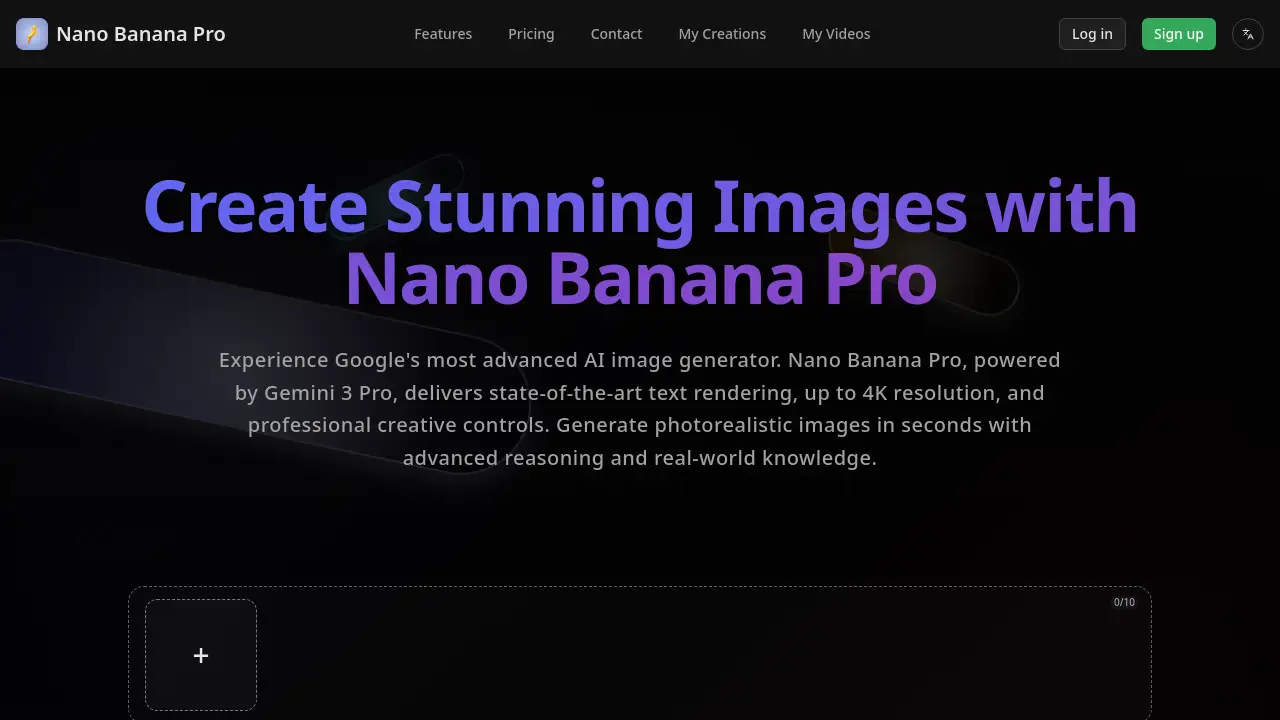
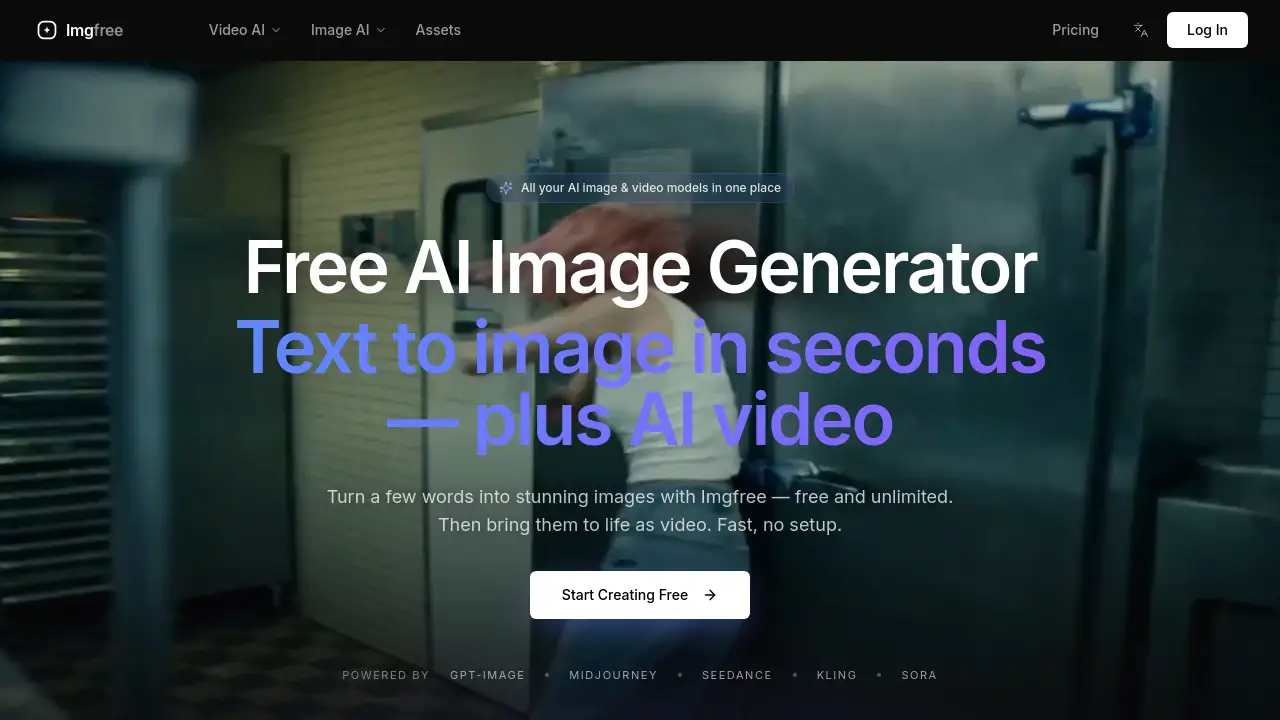
Turn a photo into a video with AI using cinematic pans, AI Hug, or AI Dance effects. The engine renders high-definition movement for social media.
AI Hairstyle Generator
Try on 140+ haircuts and colors in an online photo editor. The tool adjusts styles to face shape and lighting for a realistic preview.
AI Clothes Changer
Experiment with virtual outfit try-on for suits, streetwear, or wedding dresses. The AI matches fabric texture, shadows, and body contours.
AI Video Enhancer
Upscale videos to 4K, sharpen blurry faces, and remove grain. This is useful for old family memories or low-light mobile clips.
Browser-Based Editing
Use this AI image editor on Windows, Mac, Linux, or mobile tablets. No heavy software downloads are required, and processing happens securely online.
Use Cases for YouCam Online Editor
Restoring Old Family Photos
Repair blurry, grainy, or low-resolution family images with the AI photo editor. The photo enhancer can sharpen features without making faces look fake.
Cleaning Up Vacation Shots
Remove tourists, objects, or distractions from travel photos in seconds. The object remover helps create clean backgrounds for sharing.
Creating Social Media Content
Turn still photos into short videos, uncrop images for stories, or generate eye-catching visuals. This online photo editor supports fast content workflows.
Virtual Styling and Outfit Planning
Preview a new haircut or outfit before making a real change. The AI hairstyle generator and AI clothes changer provide realistic virtual try-on results.
Enhancing Video Clips
Improve old clips, mobile footage, or low-light videos with the AI video enhancer. Users can upscale to 4K and sharpen blurry faces without complex software.
How to Use YouCam Online Editor
- Open the YouCam Online Editor website in a modern browser.
- Upload a photo or video from a computer, tablet, or smartphone.
- Select an AI tool, such as Photo Enhancer, Object Remover, or AI Video Generator.
- Adjust the settings if needed, then let the AI process the file.
- Preview the result and download the edited image or video.
No download is required. The AI photo editor runs online, so users can start with a free signup and 5 free credits.
Target Audience for YouCam Online Editor
- Everyday users who want quick photo fixes
- Social media creators and influencers
- Small business owners and social teams
- Beginners who need an easy online photo editor
- People restoring old family photos or videos
- Users who prefer no download, browser-based AI tools
Is YouCam Online Editor Free?
YouCam Online Editor is free to get started. New users receive 5 free credits, no credit card needed, and many features are free to use anytime. Advanced AI tools run on credits that can be purchased à la carte or unlocked with a membership plan. Exact pricing may change, so check the official website for current details.
| Plan | Price | Features |
|---|---|---|
| Free | $0 | Signup, 5 free credits, no credit card, access to many basic tools |
| Credits / Membership | Varies | Advanced AI tools, à la carte credits, or membership plan |
YouCam Online Editor's Pros and Cons
| Aspect | Pros | Cons |
|---|---|---|
| Pricing | Free to start with 5 free credits and no credit card | Advanced tools require credits or a membership |
| Features | Wide AI toolkit for photos and videos | Not a full manual editor like Photoshop |
| Access | Browser-based, no download, works on many devices | Requires an internet connection |
| Ease of Use | Beginner-friendly, one-click AI tools | Some results depend on source image quality |
| Privacy | Secure processing and auto-deletion according to policy | Details should be checked in the Privacy Policy |
Frequently Asked Questions about YouCam Online Editor
Is YouCam Online Editor really free?
Yes, YouCam Online Editor is free to start. New users get 5 free credits and can try many features without a credit card. Advanced AI photo editor tools may require credits or a membership.
Do I need to download software to use this AI photo editor?
No. YouCam Online Editor is a browser-based online photo editor with no download required. It works on Windows, Mac, Linux, and mobile tablets as long as there is an internet connection.
Can YouCam fix blurry photos?
Yes. The AI Photo Enhancer can fix blurry photos, reduce noise, and upscale low-resolution images to 4K. It works best on photos that are blurry from motion or low resolution.
Can I remove people or objects from a photo?
Yes. The AI Object Remover lets users brush over unwanted people, text, or objects. The tool then reconstructs the background so the result looks clean and natural.
Can I turn a single photo into a video?
Yes. The AI Video Generator can turn a photo into a video with movement, cinematic pans, AI Hug, or AI Dance effects. A clear, well-lit source photo usually gives the most natural result.
Is my data secure with YouCam Online Editor?
The product states that it uses secure processing and does not use personal images to train AI models without consent. Files are processed on servers and automatically deleted after a short period. Users should review the official Privacy Policy for full details.
YouCam Online Editor Tags
YouCam Online Editor, AI photo editor, online photo editor, AI image editor, fix blurry photos, remove objects from photos, AI video generator, photo enhancer, object remover, browser-based photo editor, no download photo editor, AI hairstyle generator