Introduction
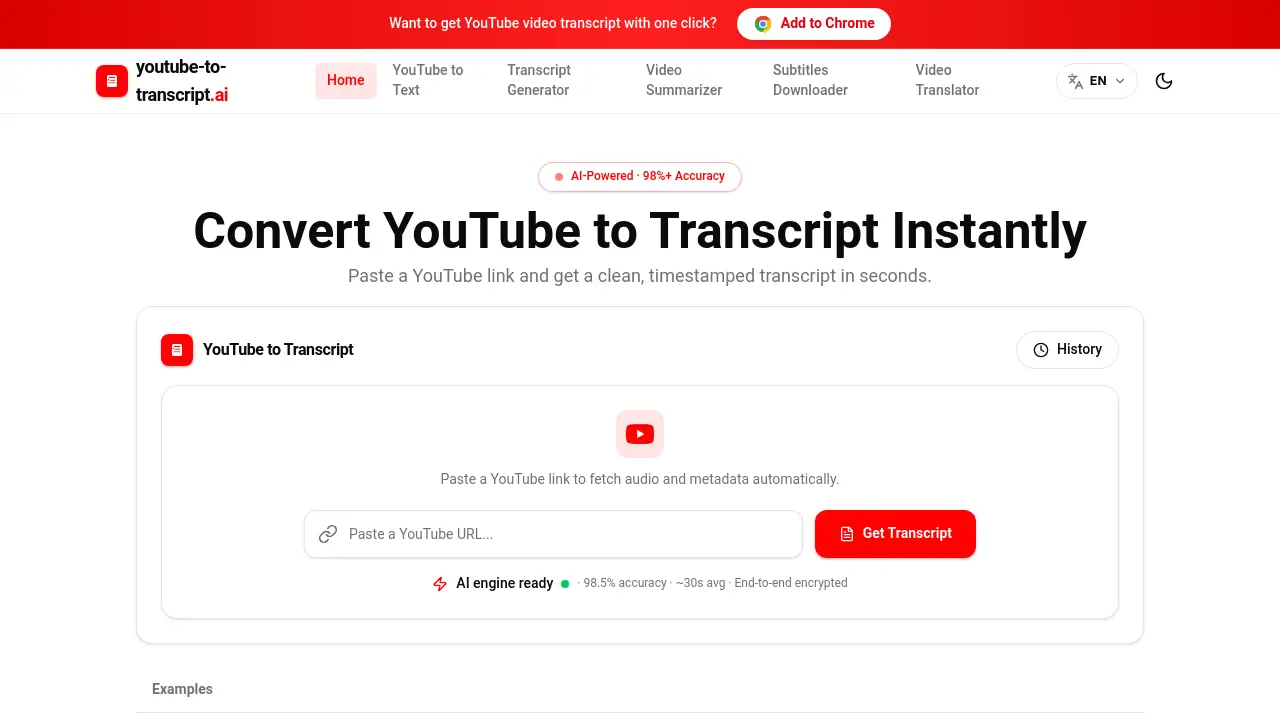
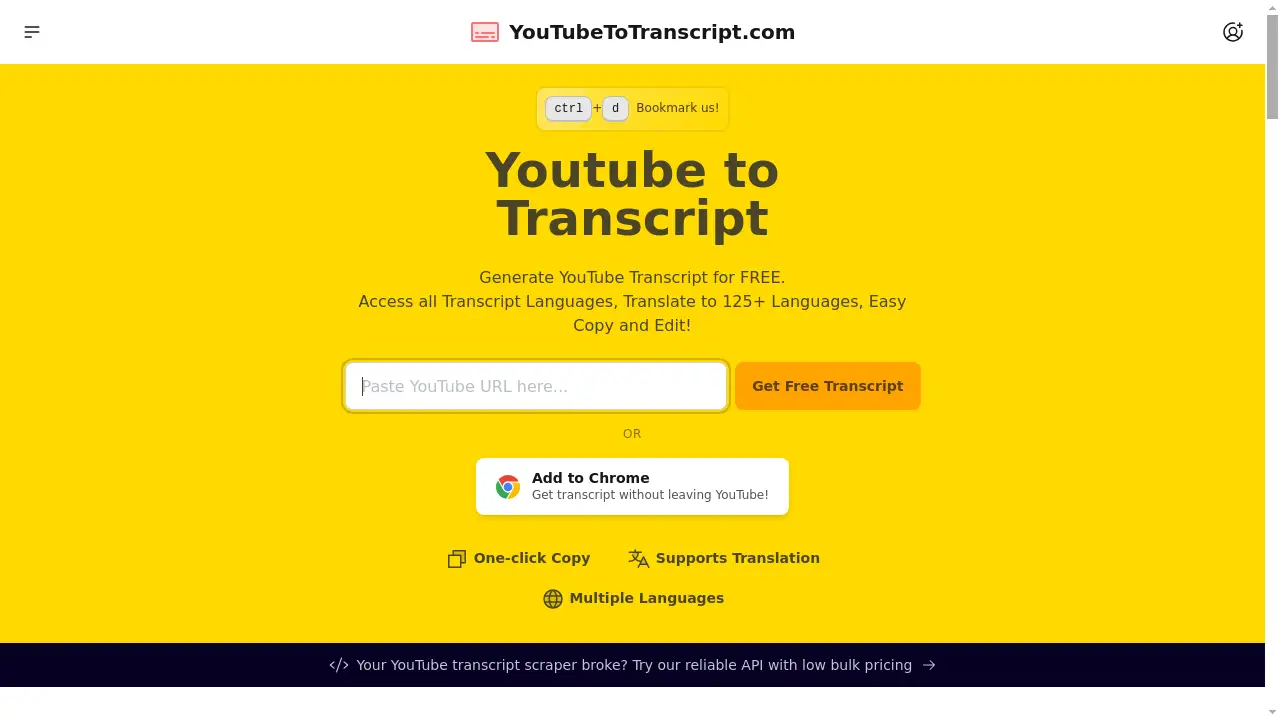
A free online tool to instantly generate a YouTube transcript from any video.
What is Youtube to Transcript?
YouTube to Transcript is an online web application that allows users to quickly and easily extract the text transcript from any YouTube video. It solves the problem of manually transcribing videos, saving significant time for students, researchers, content creators, and lifelong learners. The tool is valuable because it unlocks the textual content of videos, making it searchable, editable, and usable with AI tools. The generated transcript can be used for note-taking, content creation, translation, or as a prompt for AI assistants like ChatGPT, enhancing productivity and accessibility.
Key Features of Youtube to Transcript
One-Click Transcript Generation
Simply paste a YouTube URL, and the tool instantly retrieves the official transcript provided by YouTube's automatic captioning system.
Multi-Language Support and Translation
Access the transcript in its original language or translate it into over 125 different languages, breaking down language barriers for global audiences.
Effortless Copy and Edit Functionality
Copy the entire transcript with a single click for pasting into notes, documents, or AI tools, and easily edit it by removing unwanted sections like intros or ads.
Embedded Video Player with Sync
View the video alongside its transcript in a side-by-side view, and click on any line of text to jump directly to that moment in the video for easy review.
Free AI Prompt Library
Access a curated collection of prompts designed to help you use the transcript with AI tools to generate summaries, quizzes, key points, and other creative content.
Use Cases for Youtube to Transcript
Enhanced Learning and Note-Taking
Students and professionals can extract transcripts from educational videos to create detailed study notes, highlight key points, and translate complex material into their native language.
Content Creation and Repurposing
Bloggers, marketers, and social media managers can use transcripts to craft articles, SEO-friendly video descriptions, engaging social posts, and detailed show notes from their video content.
AI-Powered Analysis and Summarization
Researchers and analysts can feed video transcripts into AI models like ChatGPT to quickly generate summaries, extract quotes, create Q&A sets, and analyze themes or topics discussed.
Accessibility and Language Translation
Individuals who are deaf or hard of hearing, or those who prefer reading, can access video content. Translators can also get a base text to work from for subtitling or localization projects.
How to Use Youtube to Transcript
- Paste the URL: Go to the YouTube to Transcript website and paste the link of the YouTube video you want to transcribe.
- Generate Transcript: Click the "Get Transcript" button. The tool will process the video and display its transcript almost instantly.
- Customize and Translate: Use the interface to change the transcript language, translate it, or remove specific sections you don't need.
- Copy and Use: Click the "Copy" button to copy the full transcript to your clipboard. You can then paste it into your notes, a document, or an AI tool.
- Explore AI Prompts: Browse the provided AI prompt library for ideas on how to use your new transcript with ChatGPT or other AI assistants.
Target Audience for Youtube to Transcript
- Students and online learners
- Researchers and academics
- Content creators, YouTubers, and bloggers
- Digital marketers and social media managers
- Podcasters and journalists
- Language learners and translators
- Professionals who consume educational or training videos
- Anyone who prefers reading over watching or needs accessible content
Is Youtube to Transcript Free?
Yes, YouTube to Transcript is completely free to use. There is no charge for generating transcripts, translating them into over 125 languages, or using the core editing and copying features. The service operates on a generous free plan with no limits on video length or the number of transcripts you can create, making it an accessible and valuable tool for all users.
Frequently Asked Questions about Youtube to Transcript
Is YouTube to Transcript free to use?
Yes, the service is completely free. You can generate, translate, and copy transcripts from YouTube videos without any cost or subscription.
How accurate are the generated transcripts?
The tool extracts the official automatic captions provided by YouTube. The accuracy depends on the audio quality and clarity of the original video, as it uses YouTube's own speech recognition technology.
Can I download the transcript as a file?
Currently, the primary method is to copy the transcript text directly from the website. The developers have indicated that a direct download feature is planned for a future update.
Is there a limit on video length for transcription?
No, there are no limits. You can generate a transcript for YouTube videos of any duration, from short clips to lengthy lectures or podcasts.
Do I need to create an account?
No account or login is required. YouTube to Transcript is a straightforward web tool that works directly in your browser.
Can I use the transcript with ChatGPT?
Absolutely. The tool is designed for this purpose. After copying the transcript, you can paste it into ChatGPT or similar AI tools to generate summaries, notes, quizzes, and more.
Youtube to Transcript Tags
YouTube transcript, free transcript generator, YouTube to text, video transcription, transcript translator, AI note-taking, ChatGPT prompts, content repurposing, video subtitles, online learning tools, accessibility tool, copy YouTube captions