Introduction
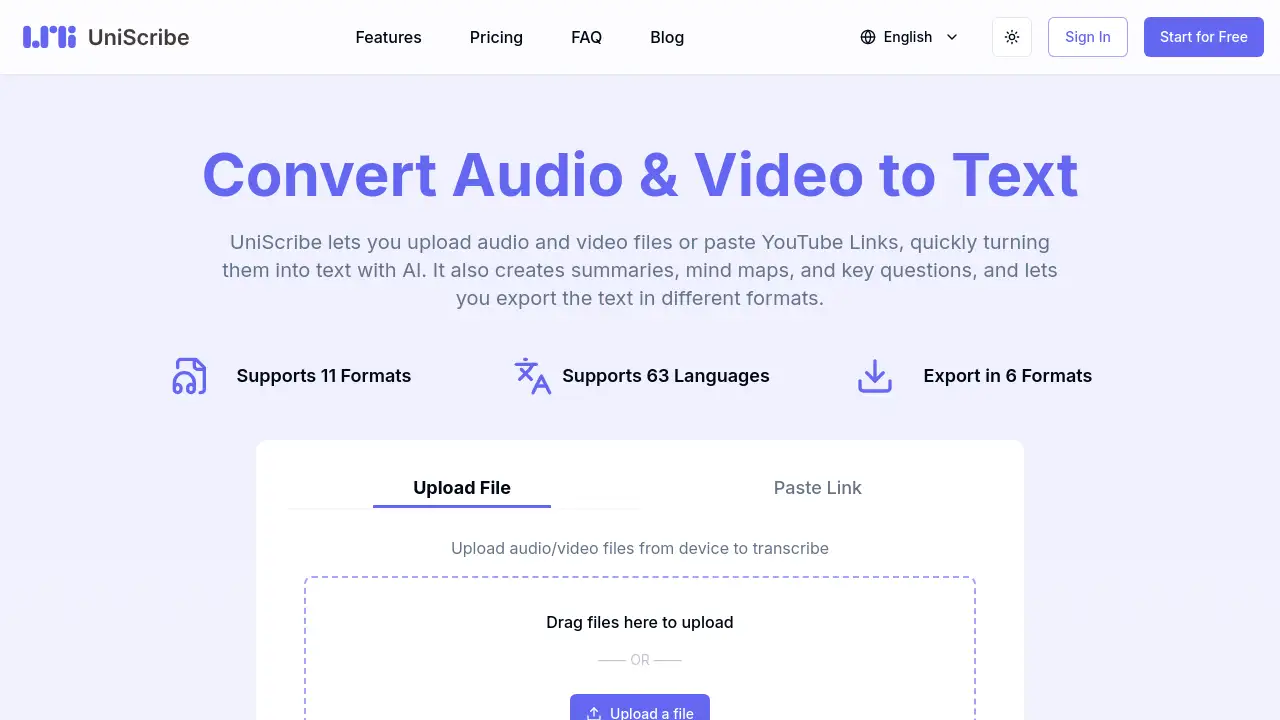
UniScribe is an AI-powered audio to text converter that quickly transforms uploaded audio and video files or YouTube links into accurate text, summaries, mind maps, and key questions.
What is UniScribe?
UniScribe is an online tool designed to solve the common problem of manually transcribing audio and video content. It uses artificial intelligence to convert spoken words into written text in minutes, supporting 63 languages and a wide range of file formats. This audio to text converter is suitable for journalists, students, researchers, content creators, and business professionals who need reliable, fast transcription without complex software. By automating transcription, UniScribe saves time and allows users to focus on analysis, editing, or sharing insights. The platform also offers additional features like automatic summaries, visual mind maps, and export options in multiple formats, making it a versatile solution for audio to text conversion needs.
Key Features of UniScribe
Audio and Video File Upload
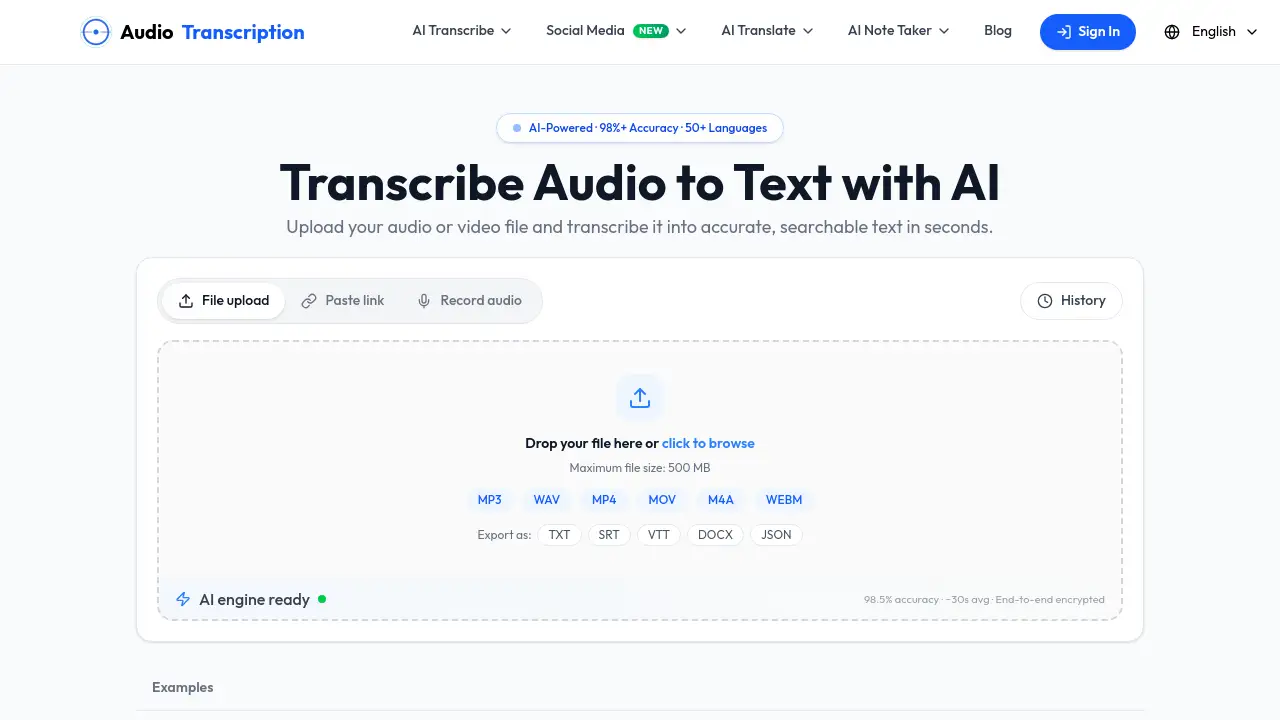
UniScribe supports uploading audio files (AAC, MP3, WAV, FLAC, OGG, etc.) and video files (MP4, MOV, MKV, WMV, etc.) directly from your device. You can drag and drop files or use the upload button for quick audio to text conversion.
YouTube Link Transcription
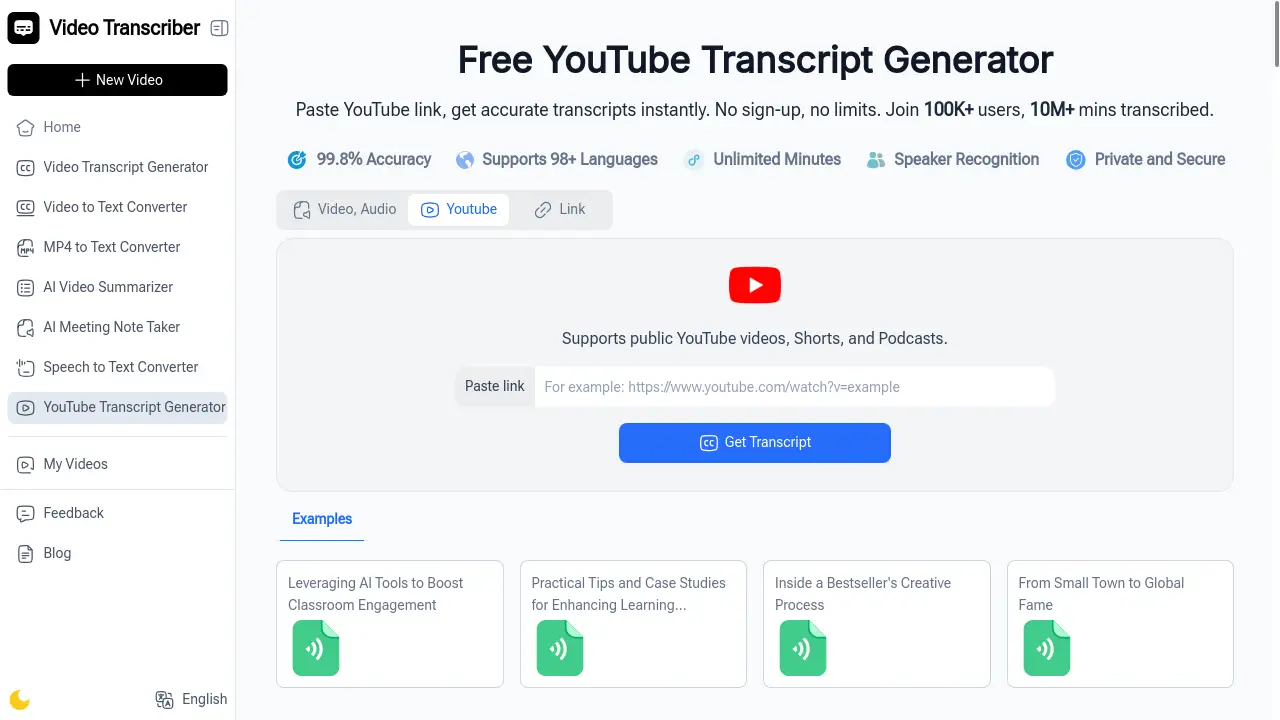
Paste any YouTube video link, and UniScribe will automatically transcribe the audio to text. This is ideal for extracting text from online lectures, interviews, or podcasts without downloading the video.
Multi-Language Support
The tool transcribes speech in 63 languages, including English, Spanish, French, German, Italian, Portuguese, Dutch, Polish, and many more. This broad language support makes it a global video to text transcription solution.
AI Summary and Mind Map Generation
After transcription, UniScribe automatically generates a short summary and a visual mind map of the content. It also highlights key questions and answers, helping users grasp the most important points quickly.
Export Transcripts in Multiple Formats
Transcribed text can be exported in TXT, DOCX, PDF, SRT, VTT, and CSV formats. This flexibility allows users to repurpose content for subtitles, notes, reports, or further editing.
Speaker Identification and Bulk Transcription
On paid plans, UniScribe identifies different speakers in a recording and supports bulk transcription of up to 50 files at once. These features are especially useful for team projects or long interviews.
Use Cases for UniScribe
Journalists and Content Creators
Journalists can transcribe interviews or press conferences quickly, while content creators can turn video scripts into text for captions or blog posts using this audio to text converter.
Researchers and Students
Researchers and students can transcribe lectures, focus groups, or academic discussions. The summary and mind map features help organize complex material for study or citation.
Business Professionals
Business users can transcribe meeting recordings, webinars, or training videos. Exporting transcripts as SRT or VTT files makes it easy to add subtitles to internal company videos.
How to Use UniScribe
- Upload or paste a link – Drag and drop an audio or video file from your device, or paste a YouTube link into the input area.
- Transcribe – Click the “Transcribe” button. The AI processes the file, typically finishing a one-hour file in under a minute.
- Review and enhance – After transcription, view the text. Generate a summary, mind map, or key questions by using the AI Insights options.
- Export or share – Choose your preferred export format (TXT, DOCX, PDF, SRT, VTT, CSV) or copy a shareable link for others to view the transcript directly.
Target Audience for UniScribe
- Journalists and podcasters who need fast audio to text conversion
- Students and academics transcribing lectures and research interviews
- Content creators repurposing video to text for blogs or captions
- Business teams transcribing meetings and webinars
- Translators and linguists working with multilingual audio
- Anyone needing speech to text for personal or professional projects
Is UniScribe Free?
UniScribe offers a Free plan with basic features to try the service. Below are the key pricing tiers:
| Plan | Price | Key Features |
|---|---|---|
| Free | $0/month | 120 minutes/month, 30 min per file, 3 files/day, basic transcription, 63 languages, export formats, 30-day file retention |
| Basic | $6/month (billed yearly) | 1200 minutes/month, 10-hour files, 50 files at once, premium model, AI translation, speaker identification, API access, no retention limit |
| Standard | $12/month (billed yearly) | 3000 minutes/month, same features as Basic, plus enhanced AI insights |
| Pro | $18/month (billed yearly) | 6000 minutes/month, same features as Standard, highest usage allowance |
All paid plans include a 40% discount when billed annually. The Free plan requires no credit card.
UniScribe's Pros and Cons
| Aspect | Pros | Cons |
|---|---|---|
| Pricing | Free tier available; affordable paid plans | Free plan has strict daily limits (3 files, 30 min per file) |
| Features | AI summary, mind map, speaker ID, bulk upload, 63 languages | Advanced features (speaker ID, API) locked to paid plans |
| Accuracy | Premium model on paid plans offers highest accuracy | Basic model on Free plan may have occasional errors |
| Export Options | 6 export formats including SRT and VTT | No direct integration with editing software (e.g., Premiere Pro) |
| Speed | Transcribes 1-hour file in under a minute | Speed depends on file size and server load |
Frequently Asked Questions about UniScribe
Can I try UniScribe for free?
Yes, UniScribe offers a Free plan that includes 120 minutes of transcription per month, with a maximum of 30 minutes per file and three files per day. No credit card is required to start.
What file formats does UniScribe support for audio to text conversion?
UniScribe supports 11 audio formats (AAC, AMR, FLAC, M4A, MP3, OGG, WAV, etc.) and 7 video formats (MKV, MOV, MP4, WMV, etc.). You can also paste YouTube links directly.
How accurate is the transcription?
Accuracy depends on audio quality and the plan used. The Free plan uses a basic transcription model, while paid plans use a premium model for highest accuracy. User reviews on Trustpilot give a 4.8 out of 5 rating for overall quality.
Can I transcribe YouTube videos with UniScribe?
Yes, UniScribe allows you to paste a YouTube link and instantly transcribe the video's audio. This feature is available on all plans, including Free.
How long does it take to get a transcript?
For most files, transcription completes in under a minute for a one-hour recording. Very large files may take slightly longer, but the process is generally fast compared to manual transcription.
What export formats are available?
You can export transcripts as TXT, DOCX, PDF, SRT, VTT, and CSV. These formats are suitable for subtitles, reports, and further editing.
UniScribe Tags
audio to text converter, video to text transcription, AI transcription service, transcribe audio to text, speech to text online, YouTube transcription, export transcript SRT, mind map from audio, AI summary generator, bulk audio transcription, multilingual transcription, UniScribe review