Introduction
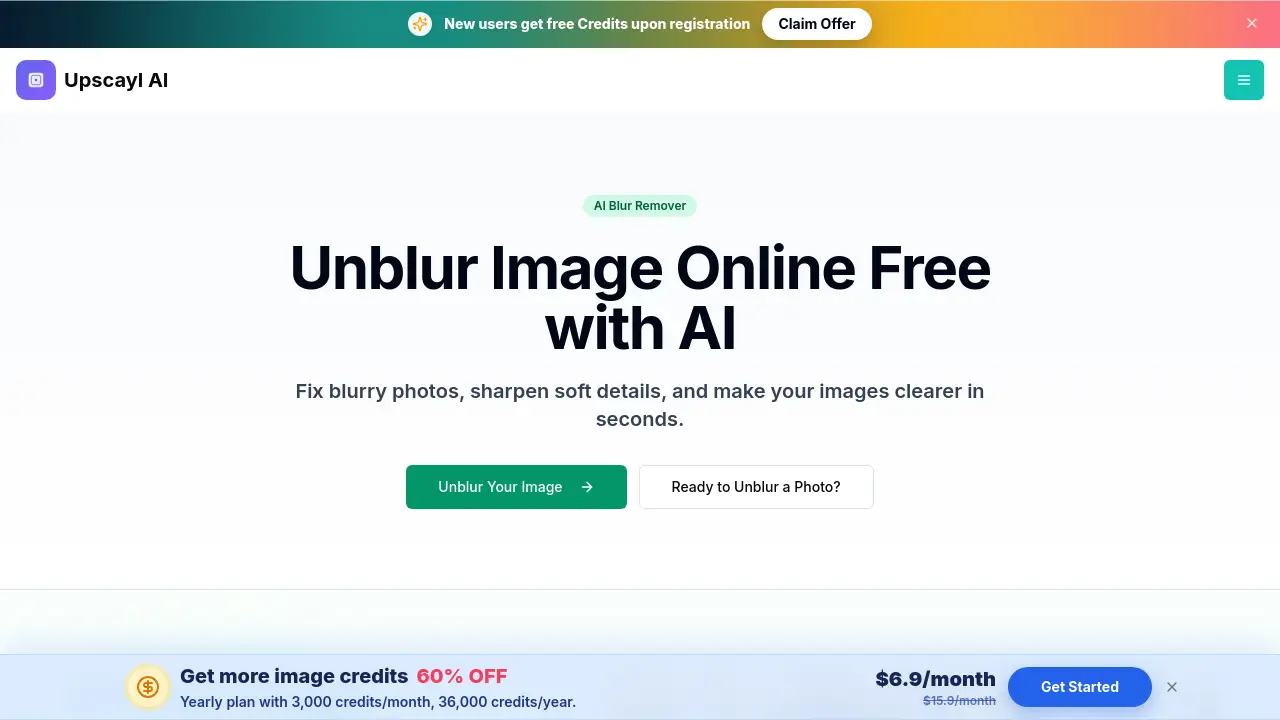
Unblur Image is an online AI photo sharpening tool. It lets users unblur image files by uploading JPG, PNG, or WebP photos and previewing sharper results in the browser. As an AI blur remover, it focuses on soft edges, mild blur, and compression softness. For anyone who wants to make a blurry photo clearer without desktop software, this browser-based tool is a convenient starting point.
What is Unblur Image?
Unblur Image is an AI-powered web app designed to reduce blur and restore visible sharpness in photos, screenshots, and scanned images. It solves a common problem: photos that look soft, out of focus, or compressed. The tool analyzes edges and image detail, then applies AI sharpening in a single pass. Users upload a photo, preview the clearer result, and download the output. It is suitable for photographers, online sellers, archivists, and everyday users who need to make a blurry photo clearer online. The tool does not claim to recreate detail that was never captured. Instead, it improves mild to moderate blur, soft focus, and compression softness. For a fast and accessible way to unblur photo online, Unblur Image offers a simple workflow.
Key Features of Unblur Image
Unblur Image's AI Blur Remover
Unblur Image identifies softened edges and improves local clarity. It removes soft focus, mild blur, and compression softness without manual sharpening controls.
Unblur Image's Portrait Detail Recovery
Portraits and headshots gain sharper eyes, hair, and facial edges. It keeps the result natural while reducing softness in faces.
Unblur Image's Text and Screenshot Sharpening
Mildly blurry screenshots, scanned pages, and photos of text become easier to read. Unblur Image cleans up soft character edges and interface elements.
Unblur Image's Resolution and Face Enhancement Options
Users can select output resolutions from 1K up to 8K. Unblur Image also offers a GFPGAN face enhancement option to improve facial details while upscaling.
Unblur Image's Browser-Based Workflow
Upload, process, preview, and download from a modern desktop or mobile browser. Unblur Image does not require software installation, and users can add up to three images at once.
Use Cases for Unblur Image
Unblur Image for Portraits and Faces
Soft portraits, headshots, and group photos look cleaner with more defined eyes, hair, and facial contours. This use case helps users who want to unblur image quality in personal or professional photos.
Unblur Image for Text and Screenshots
Scanned pages, screenshots, and photos of documents benefit from sharper character edges. It helps make text and screenshots easier to inspect in archives or work files.
Unblur Image for Old and Product Photos
Old digital photos, compressed downloads, and product listings often look soft. It reduces compression softness and cleans product edges for online stores and catalogs.
How to Use Unblur Image
Using Unblur Image only takes three steps. First, upload a JPG, PNG, WebP, or ZIP file. Second, let the AI process the photo and sharpen details. Third, preview the result and download the clearer image. Users can also choose output resolution and face enhancement options. This simple flow makes it easy to sharpen photos online and unblur image files from any modern browser.
Target Audience for Unblur Image
The tool suits a wide range of users who need quick photo clarity improvements.
- Photographers who want to fix blurry photos in a browser
- Online sellers who need sharper product images
- Archivists working with old scanned photos
- Designers and marketers preparing social media visuals
- Everyday users who want to unblur photo online without installs
Is Unblur Image Free?
The tool offers trial credits to new accounts, so users can test it before deciding whether to continue. According to the product page, processing uses credits based on the current account rules shown in the app. Users must sign up to process and download results. For exact pricing and credit packages, check the official website or the account page inside the tool.
Unblur Image's Pros and Cons
| Aspect | Pros | Cons |
|---|---|---|
| Accessibility | Runs in browser, no install | Requires an account for processing |
| Pricing | New accounts receive trial credits | Credit-based, so costs depend on usage |
| Features | Handles portraits, text, and product photos | Severe motion blur may not improve much |
| Workflow | Preview before downloading | Credits and formats are managed in-app |
Frequently Asked Questions about Unblur Image
What does Unblur Image do?
It analyzes a blurry or soft image and improves visible edge definition, clarity, and sharpness. It cannot recover detail that was never captured in the original photo.
Can Unblur Image fix every blurry photo?
Results depend on the source. Mild to moderate blur, soft focus, and compression softness usually respond better than severe motion blur or a completely out-of-focus image. The tool is not a magic fix for every damaged photo.
Can I unblur a photo online for free?
New accounts receive trial credits to test the tool. Processing uses credits according to the current account rules shown in the app. For users who want to unblur photo online, trial credits are a useful start.
What formats does Unblur Image support?
Users can upload JPG, JPEG, PNG, WebP, and ZIP files. The available download format is shown with the generated result. Each image can be up to 20MB.
Can Unblur Image sharpen blurry photos with text?
Yes. Unblur Image can improve mild softness around text and interface elements. Tiny or heavily blurred characters may still be hard to read.
Can I use Unblur Image on a phone?
Yes. The page works in modern mobile browsers, including Safari and Chrome on iOS and Android. Users can upload, preview, and download images from a phone.
Unblur Image Tags
unblur image, unblur photo online, AI blur remover, make blurry photo clearer, fix blurry photos, sharpen blurry image, AI photo sharpener, sharpen photos online, deblur image online, portrait clarity, sharpen screenshots, photo clarity enhancer